1
Alternate Access Methods .................................................................................................................... 26
Proxy Server Settings ........................................................................................................................... 26
Device Swapping .................................................................................................................................. 26
Remote Access .................................................................................................................................... 26
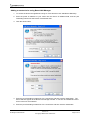
Adding a remote device using Boost.LAN Manager ...................................................................... 27
Serial Tunneling .................................................................................................................................... 28
Firewall Exceptions and Port Numbers ................................................................................................ 30
UPnP on/off .......................................................................................................................................... 30
Transmission Interval ........................................................................................................................... 31
8. Web Page Interface ............................................................................................................................. 32
9. Security ................................................................................................................................................ 34
Administrator Access Settings .............................................................................................................. 34
User Access Settings ........................................................................................................................... 34
MAC Address restriction ....................................................................................................................... 35
Restricting “Reset/Restore Default” ...................................................................................................... 36
Authentication Method .......................................................................................................................... 36
10. Exporting & Importing Device Settings .............................................................................................. 37
Exporting Device Settings .................................................................................................................... 37
Importing Device Settings ..................................................................................................................... 38
11. Rebooting Device ............................................................................................................................... 40
Rebooting in Boost.LAN Manager ........................................................................................................ 40
Manual Reboot ..................................................................................................................................... 40
12. Restoring to Factory Default .............................................................................................................. 41
Restoring back to Factory Default Settings .......................................................................................... 41
Manual Hard Restore ........................................................................................................................... 41
13. Firmware Upgrade ............................................................................................................................. 42
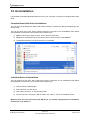
14. Uninstallation ...................................................................................................................................... 44
Complete Boost.LAN Suite Uninstallation. ........................................................................................... 44
Individual Device Uninstallation ............................................................................................................ 44
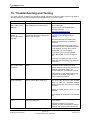
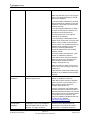
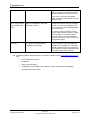
15. Troubleshooting and Testing ............................................................................................................. 45
16. Linux support for ES devices ............................................................................................................. 48
Configuring the ES device from Linux .................................................................................................. 48
Using Cyclades Serial Client to communicate with ES device ports .................................................... 48
17. Lifetime Warranty and Support .......................................................................................................... 50
ES Range Product Manual
Version 2.8
© Copyright Brainboxes Limited 2012
Page 3 of 57