1
Home screen
L
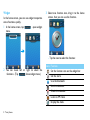
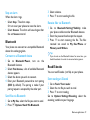
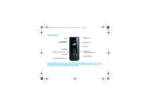
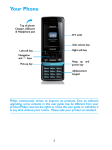
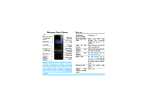
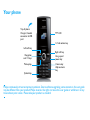
Your phone’s home screen consists of the following
areas:
R
Left soft
key
Right soft
key
Select the options on the
screen.
Select the options on the
screen.
Status Bar
Shortcut menu
Widget
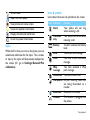
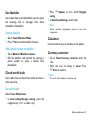
Learn about the shortcut icons.
Key Definition Function
Home
menu
Go to home menu.
Messaging Go to Messaging.
Shortcut icons
Contacts
Go to Contacts.
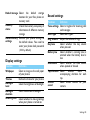
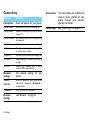
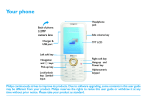
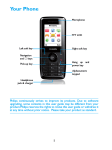
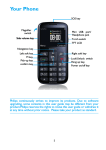
Keys
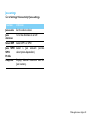
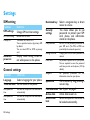
Learn about the main keys.
Key
Definition Function
(
Dial
Make or answer a call.
Confirm Select or confirm an option.
,
)
Hang-up/ End a call;
Power/
Hold to turn on/off the phone;
Exit
Return to home screen.
Your phone 1