1
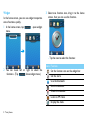
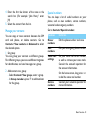
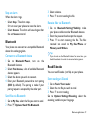
3 Select one function icon, drag it to the home
Widget
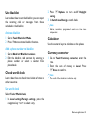
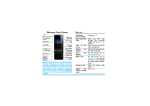
In the home screen, you can use widget to operate
some functions quickly.
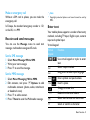
1 In the home screen, tap
screen, then you can use the function.
, open widget
menu.
- Tap the icon to select the function:
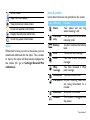
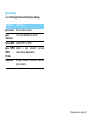
Icons Function
2 You can move left or right to select the
functions. (Tap
, close widget menu)
Set the function icon on the widget bar.
Set the alarm.
Use the bluetooth.
Use the calculator.
Check the calendar.
Listen to FM radio.
Display the clock.
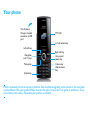
2 Your phone