1
VIVOTEK
Event > Event settings
Advanced Mode
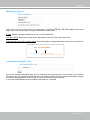
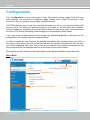
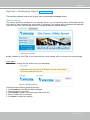
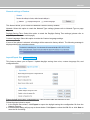
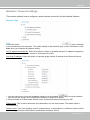
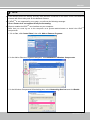
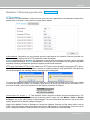
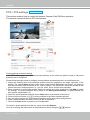
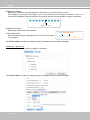
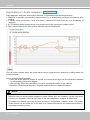
This section explains how to configure the Network Camera to responds to particular situations
(event). A typical application is that when a motion is detected, the Network Camera sends
buffered images to an FTP server or e-mail address as notifications. Click on Help, there is
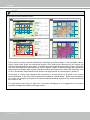
an illustration shown in the pop-up window explaining that an event can be triggered by many
sources, such as motion detection or external digital input devices. When an event is triggered,
you can specify what type of action that will be performed.
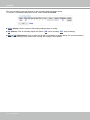
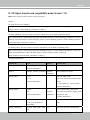
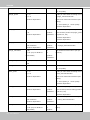
Event
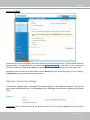
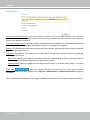
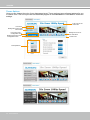
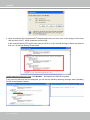
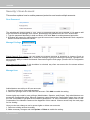
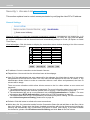
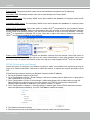
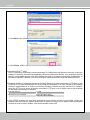
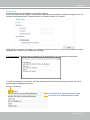
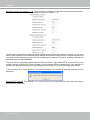
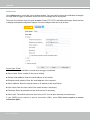
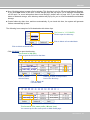
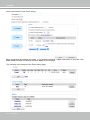
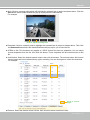
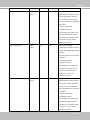
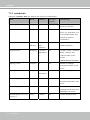
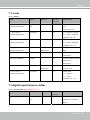
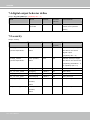
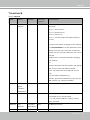
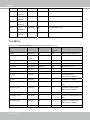
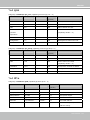
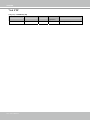
An event is an action initiated by a user-defined trigger source. In the Event column, click Add to open
the event settings window.
User's Manual - 85