1
VIVOTEK
Port
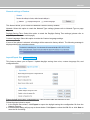
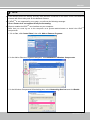
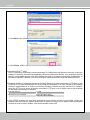
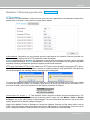
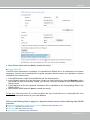
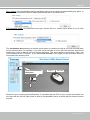
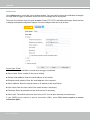
HTTPS port: By default, the HTTPS port is set to 443. It can also be assigned to another port number
between 1025 and 65535.
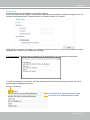
Two way audio port: By default, the two way audio port is set to 5060. Also, it can also be assigned to
another port number between 1025 and 65535.
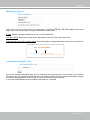
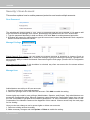
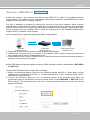
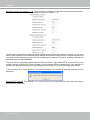
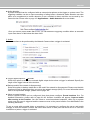
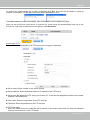
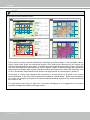
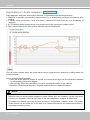
The Network Camera supports two way audio communication so that operators can transmit and receive
audio simultaneously. By using the Network Camera’s built-in or external microphone and an external
speaker, you can communicate with people around the Network Camera.
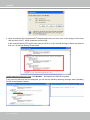
Note that as JPEG only transmits a series of JPEG images to the client, to enable the two-way audio
function, make sure the video mode is set to “MPEG-4” or "H.264" on the Media > Video > Stream
settings page and the media option is set to “Media > Video > Stream settings” on the Client Settings
page. Please refer to Client Settings on page 24 and Stream settings on page 78.
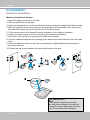
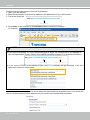
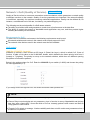
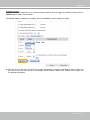
Audio transmitted to operators
America
Audio transmitted from operators
Taiwan
IMPORTANT!
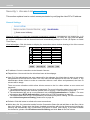
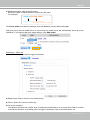
The network camera does not come with embedded microphone, an externally connected microphone is
necessary. The default audio setting is mute. If you have a microphone connected, you will also need to
uncheck the mute checkbox.
User's Manual - 55