1
VIVOTEK
Configuration
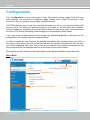
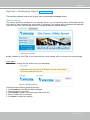
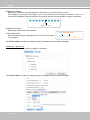
Click Configuration on the main page to enter the camera setting pages. Note that only
Administrators can access the configuration page. Please refer to page 38 Security > User
Account for how to configure access rights for different users.
VIVOTEK offers an easy-to-use user interface that helps you set up your network camera with
minimal effort. To simplify the setting procedure, two types of user interfaces are available:
Advanced Mode for professional users and Basic Mode for entry-level users. Some advanced
functions (PTZ/ Event/ Recording/ Local storage) are not displayed in Basic Mode.
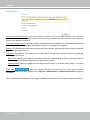
If you want to set up advanced functions, please click [Advanced Mode] on the bottom of the
configuration list to quickly switch to Advanced Mode.
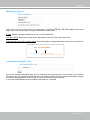
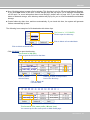
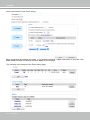
In order to simplify the user interface, the detailed information will be hidden unless you click on
the function item. When you click on the first sub-item, the detailed information for the first subitem will be displayed; when you click on the second sub-item, the detailed information for the
second sub-item will be displayed and that of the first sub-item will be hidden.
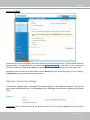
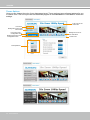
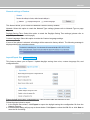
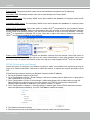
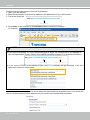
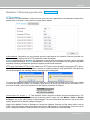
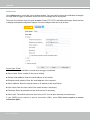
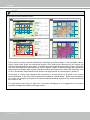
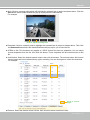
Show below are the locations of the Basic Mode and the Advanced Mode screen elements:
Basic Mode
Navigation Area
Configuration List
Click to switch to Advanced Mode
Firmware Version
26 - User's Manual