1
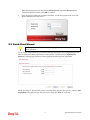
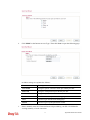
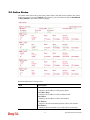
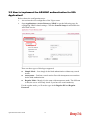
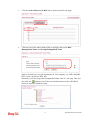
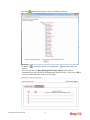
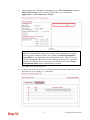
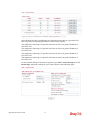
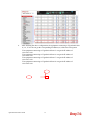
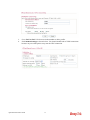
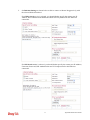
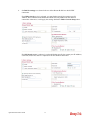
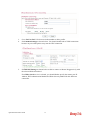
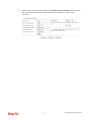
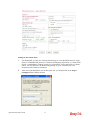
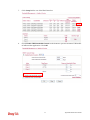
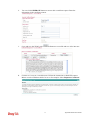
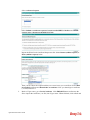
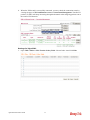
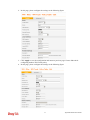
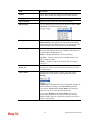
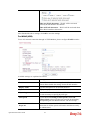
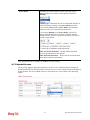
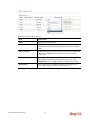
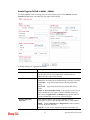
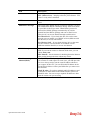
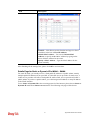
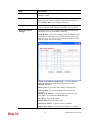
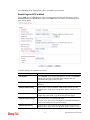
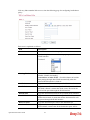
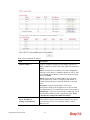
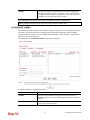
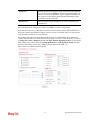
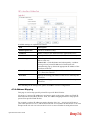
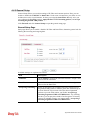
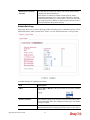
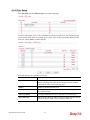
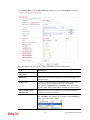
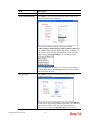
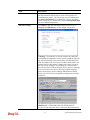
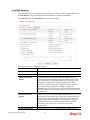
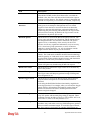
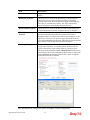
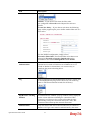
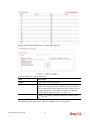
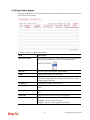
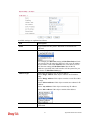
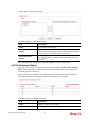
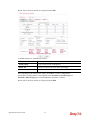
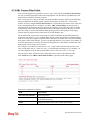
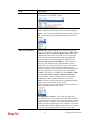
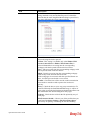
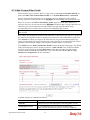
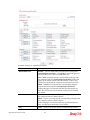
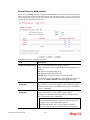
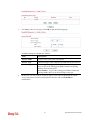
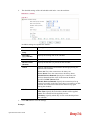
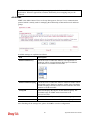
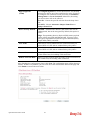
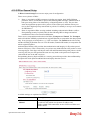
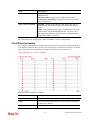
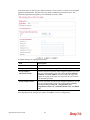
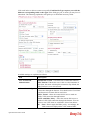
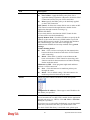
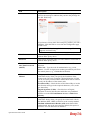
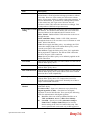
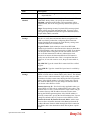
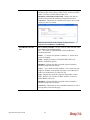
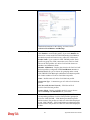
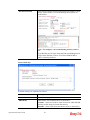
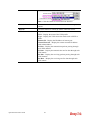
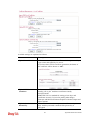
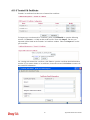
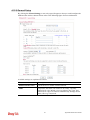
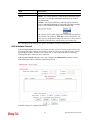
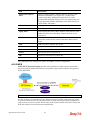
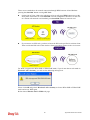
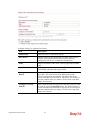
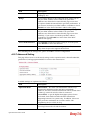
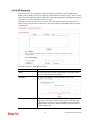
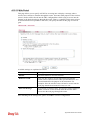
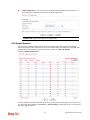
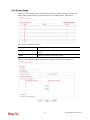
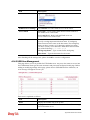
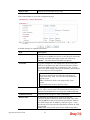
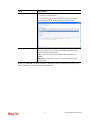
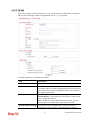
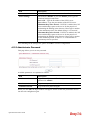
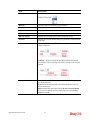
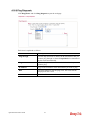
Available settings are explained as follows:
Item
Description
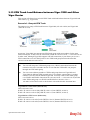
Mode
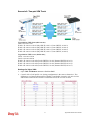
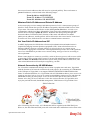
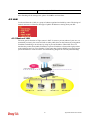
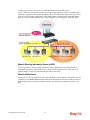
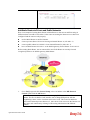
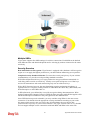
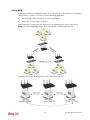
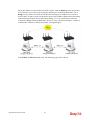
Choose the mode for WDS setting. Disable mode will not
invoke any WDS setting. Bridge mode is designed to fulfill the
first type of application. Repeater mode is for the second one.
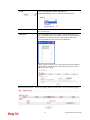
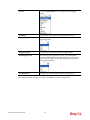
Security
There are three types for security, Disable, WEP and
Pre-shared key. The setting you choose here will make the
following WEP or Pre-shared key field valid or not. Choose
one of the types for the router.
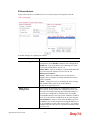
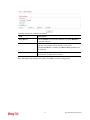
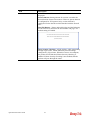
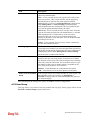
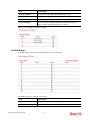
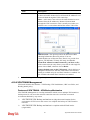
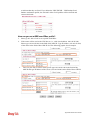
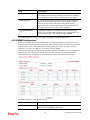
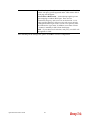
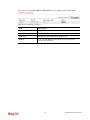
WEP
Check this box to use the same key set in Security Settings
page. If you did not set any key in Security Settings page, this
check box will be dimmed.
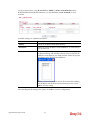
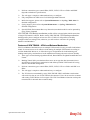
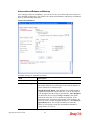
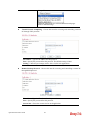
Pre-shared Key
Type – There are some types for you to choose. WPA and
WPA2 are used for WDS devices (e.g.2920n wireless router,
you can set the encryption mode as WPA or WPA2 to establish
your WDS system between AP and the router.
287
Vigor3200 Series User’s Guide