1
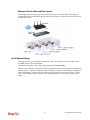
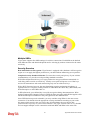
router. Besides, 3G USB Modem also can be used as backup device. Therefore, when other
Ethernet WAN ports are not available, the router will use 3.5G for supporting automatically.
The supported 3G USB Modem will be listed on DrayTek web site. Please visit
www.DrayTek.com for more detailed information.
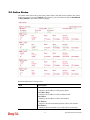
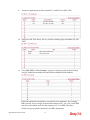
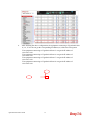
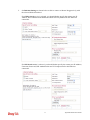
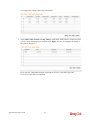
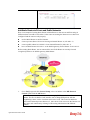
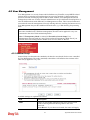
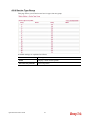
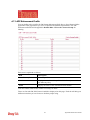
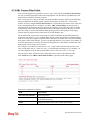
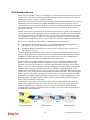
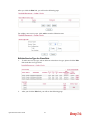
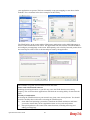
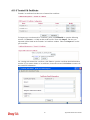
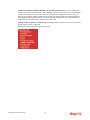
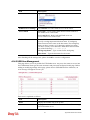
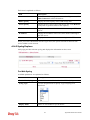
Below shows the menu items for WAN.
4.1.2 General Setup
This section will introduce some general settings of Internet and explain the connection modes
for WAN1 to WAN5 in details.
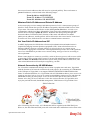
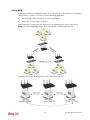
There are four WAN ports (represented with WAN1, WAN2, WAN3 and WAN4 in web
pages) and one USB port (represented with WAN5 in web pages) offered by the router. For
this router supports multiple WANs function, it allows users to access Internet and combine
the bandwidth of the multiple WANs to speed up the transmission through the network. Each
WAN port can connect to different ISPs, even if the ISPs use different technology to provide
telecommunication service (such as DSL, Cable modem, etc.). If any connection problem
occurred on one of the ISP connections, all the traffic will be guided and switched to the
normal communication port for proper operation.
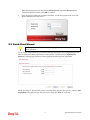
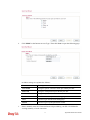
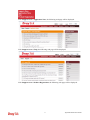
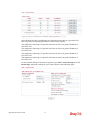
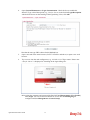
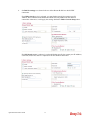
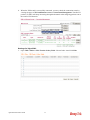
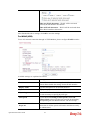
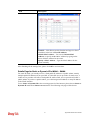
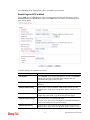
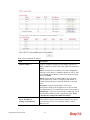
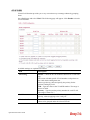
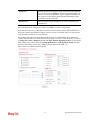
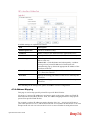
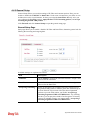
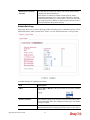
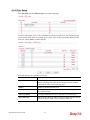
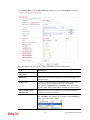
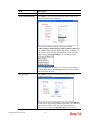
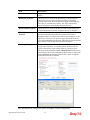
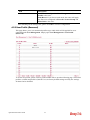
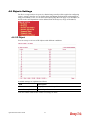
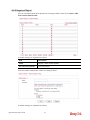
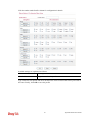
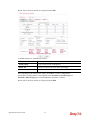
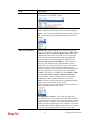
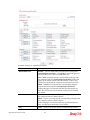
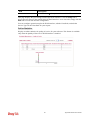
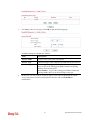
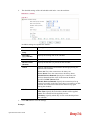
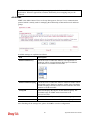
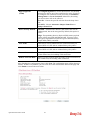
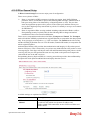
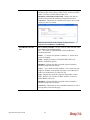
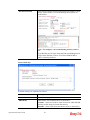
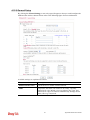
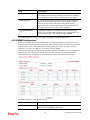
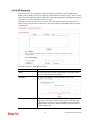
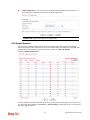
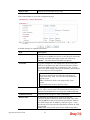
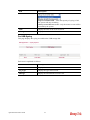
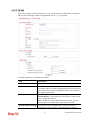
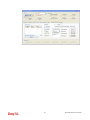
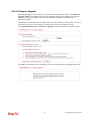
This webpage allows you to set general setup for WAN1 to WAN5 respectively.
From the above figure, WAN1 ~ WAN4 connect to Internet through the interface of Ethernet;
WAN5 connects to Internet via USB interface. Therefore the configuration for each WAN port
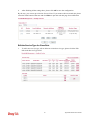
will be different slightly. Please click the WAN link under Index to open the web page for
detailed configuration.
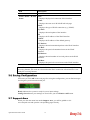
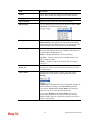
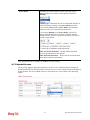
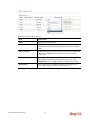
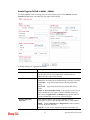
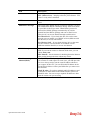
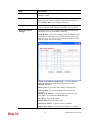
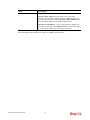
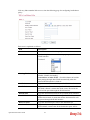
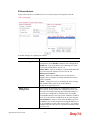
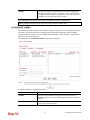
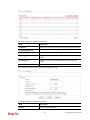
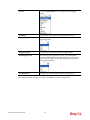
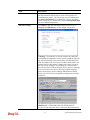
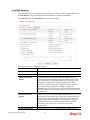
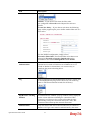
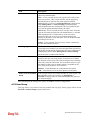
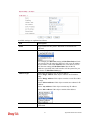
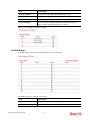
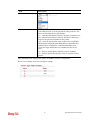
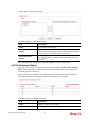
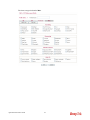
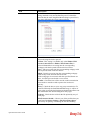
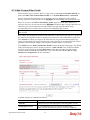
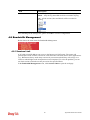
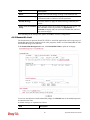
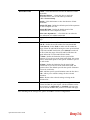
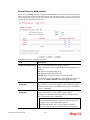
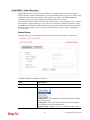
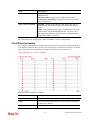
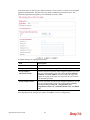
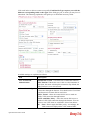
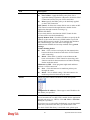
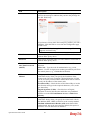
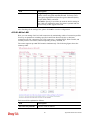
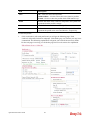
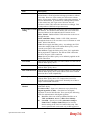
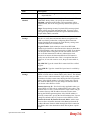
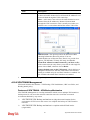
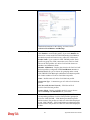
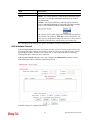
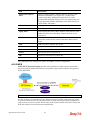
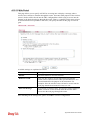
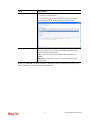
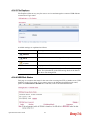
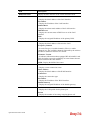
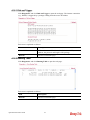
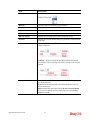
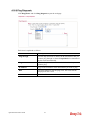
Available settings are explained as follows:
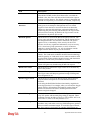
Item
Description
Load Balance Mode
This option is available for multiple-WAN for getting enough
bandwidth for each WAN port. If you know the practical
bandwidth for your WAN interface, please choose the setting
of According to Line Speed. Otherwise, please choose Auto
Weigh to let the router reach the best load balance.
103
Vigor3200 Series User’s Guide