1
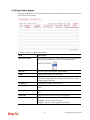
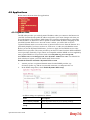
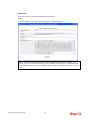
4.15.7 Syslog/Mail Alert
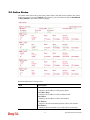
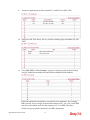
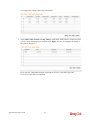
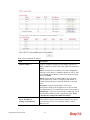
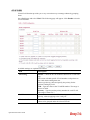
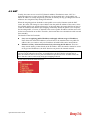
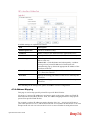
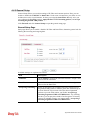
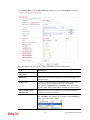
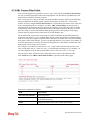
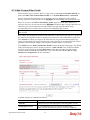
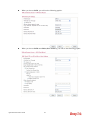
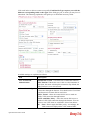
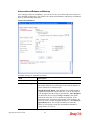
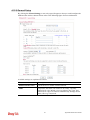
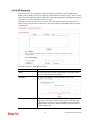
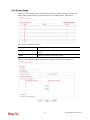
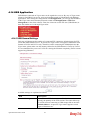
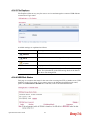
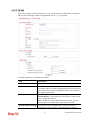
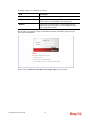
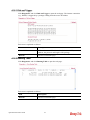
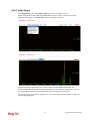
SysLog function is provided for users to monitor router. There is no bother to directly get into
the Web Configurator of the router or borrow debug equipments.
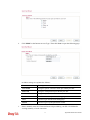
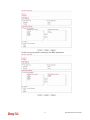
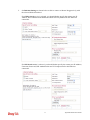
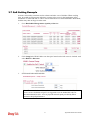
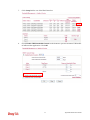
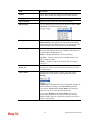
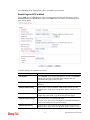
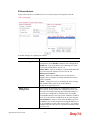
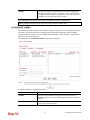
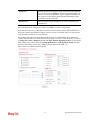
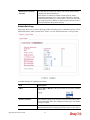
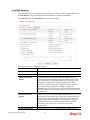
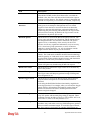
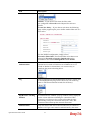
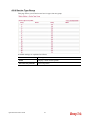
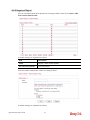
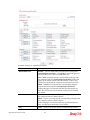
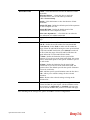
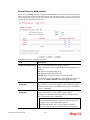
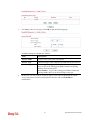
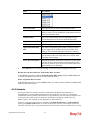
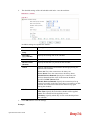
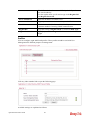
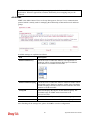
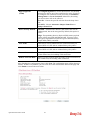
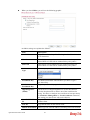
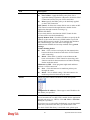
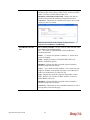
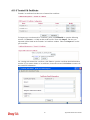
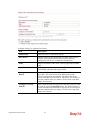
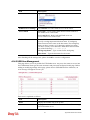
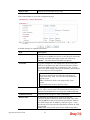
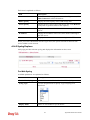
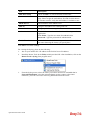
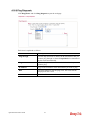
Available parameters are explained as follows:
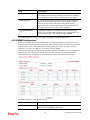
Item
Description
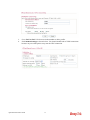
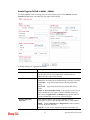
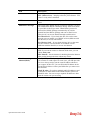
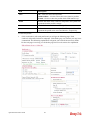
SysLog Access Setup
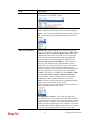
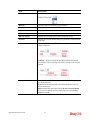
Enable - Check Enable to activate function of syslog.
Syslog Save to – Check Syslog Server to save the log to
Syslog server.
Check USB Disk to save the log to the attached USB storage
disk.
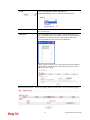
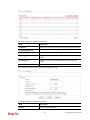
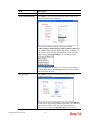
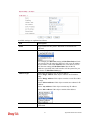
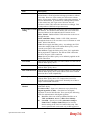
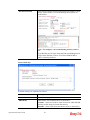
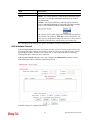
Router Name
Display the name for such router configured in System
Maintenance>>Management.
If there is no name here, simply lick the link to access into
System Maintenance>>Management to set the router name.
Server IP Address
The IP address of the Syslog server.
Destination Port
Assign a port for the Syslog protocol.
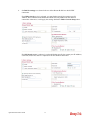
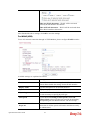
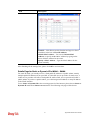
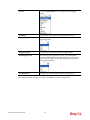
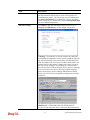
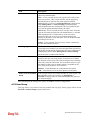
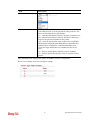
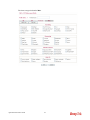
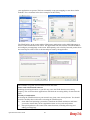
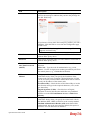
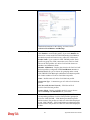
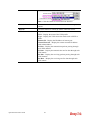
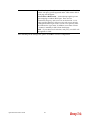
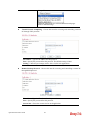
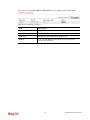
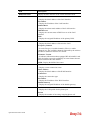
Enable syslog message
Check the box listed on this web page to send the
corresponding message of firewall, VPN, User Access, Call,
WAN, Router/DSL information to Syslog.
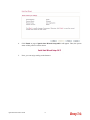
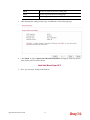
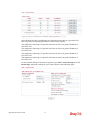
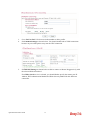
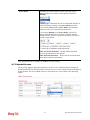
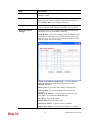
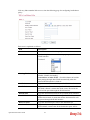
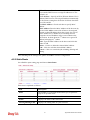
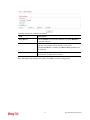
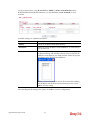
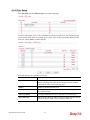
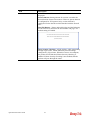
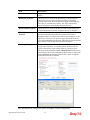
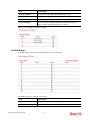
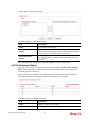
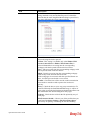
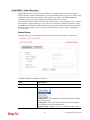
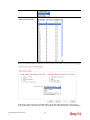
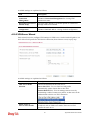
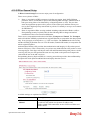
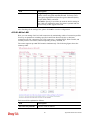
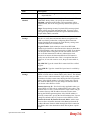
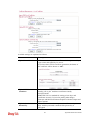
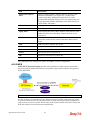
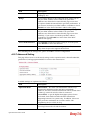
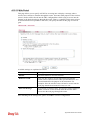
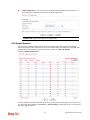
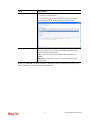
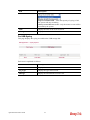
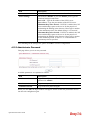
AlertLog Setup
Check “Enable” to activate function of alert log.
Type the port number for alert log. The default setting is 514.
321
Vigor3200 Series User’s Guide