1
Printer parts
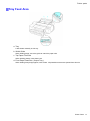
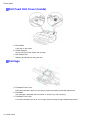
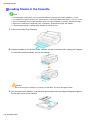
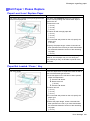
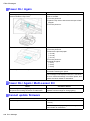
Tray Feed Area
a. Tray
Load sheets manually in this tray.
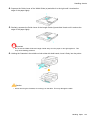
b. Width Guide
When loading paper, move the guide to match the paper size.
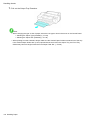
c. Top Paper Feed Slot
When loading sheets, insert them here.
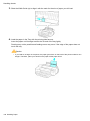
d. Front Paper Feed Slot ( Output Tray )
When loading heavyweight paper, insert it here. All printed documents are ejected from this slot.
Printer Parts 17