1
Basic
Basic
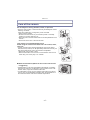
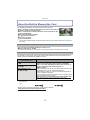
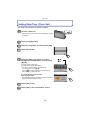
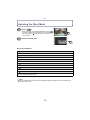
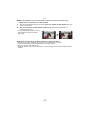
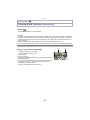
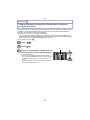
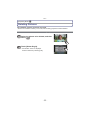
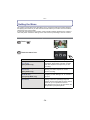
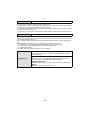
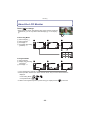
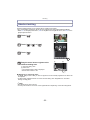
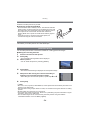
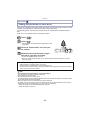
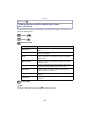
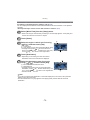
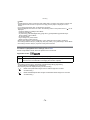
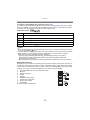
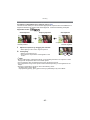
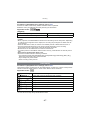
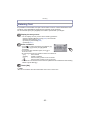
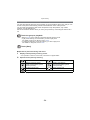
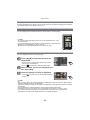
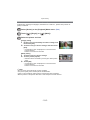
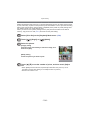
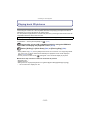
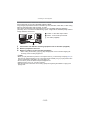
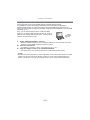
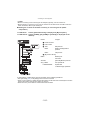
Selecting the [Rec] Mode
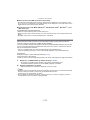
Touch [
].
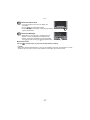
• When operating from the Playback Mode, touch [
]
to switch to Recording Mode. Once it is switched to
Recording Mode, [ ] is displayed next to the icon, so
touch it again.
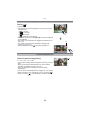
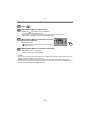
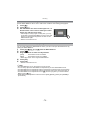
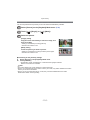
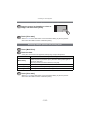
Touch the mode icon.
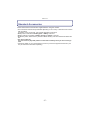
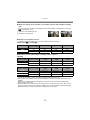
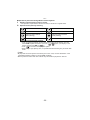
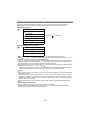
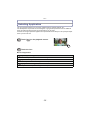
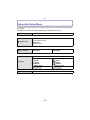
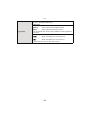
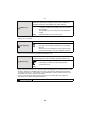
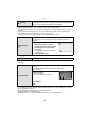
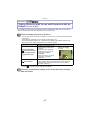
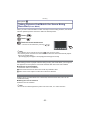
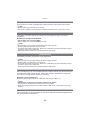
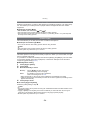
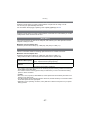
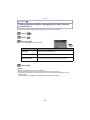
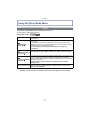
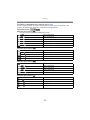
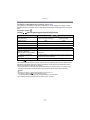
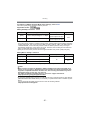
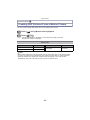
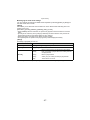
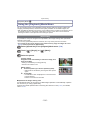
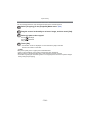
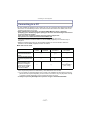
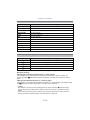
∫ List of [Rec] Modes
!
Normal Picture Mode (P19)
The subjects are recorded using your own settings.
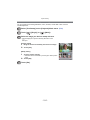
¦
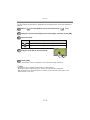
Intelligent Auto Mode (P30)
The subjects are recorded using settings automatically selected by the camera.
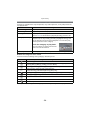
Û
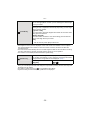
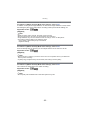
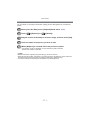
Scene Mode (P53)
This allows you to take pictures that match the scene being recorded.
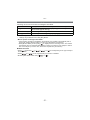
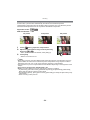
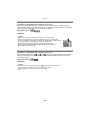
3D Photo Mode (P60)
Takes a 3D picture.
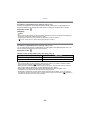
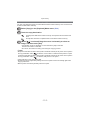
Cosmetic Mode (P61)
Takes a picture adjusting the skin texture.
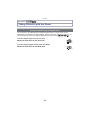
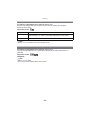
My Colour Mode (P62)
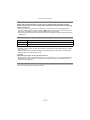
Use this mode to check colouring effects, select a colour mode from among 8 colour
modes, and then take pictures.
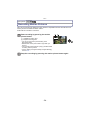
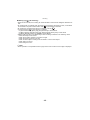
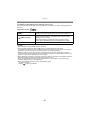
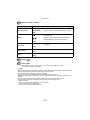
Note
• When the mode has been switched from [Playback] Mode to [Rec] Mode, the previously set
[Rec] Mode will be set.
- 18 -