1
Before Use
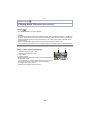
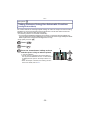
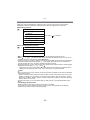
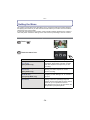
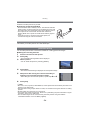
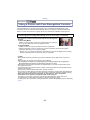
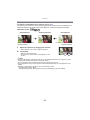
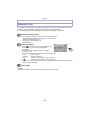
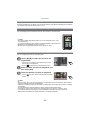
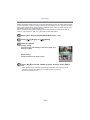
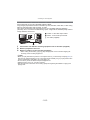
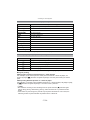
How to Use the Touch Panel
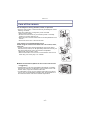
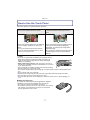
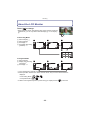
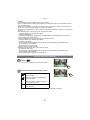
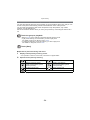
This touch panel is a type that detects pressure.
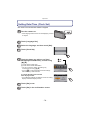
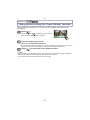
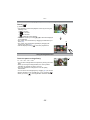
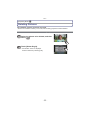
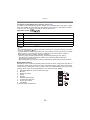
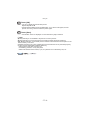
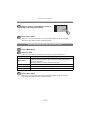
Touch the screen
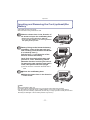
To touch and release the touch panel.
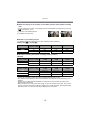
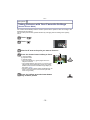
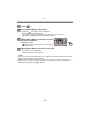
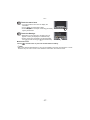
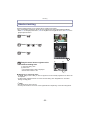
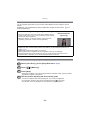
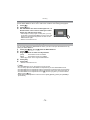
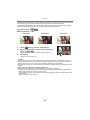
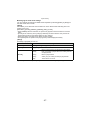
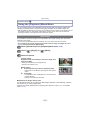
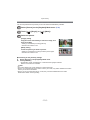
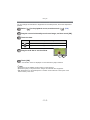
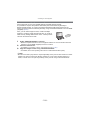
Drag
A movement without releasing the touch
panel.
Use this to perform tasks such as selecting
icons or images displayed on the touch
panel.
• It may not operate properly when multiple
This is used when performing tasks such as
moving to the next image by dragging
horizontally, or changing the range of the
displayed image.
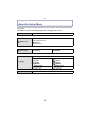
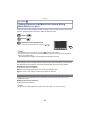
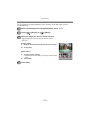
This can also be used to perform tasks such
as switching the screen by operating the
slide bar.
icons are touched simultaneously, so try to
touch the centre of the icon.
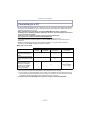
Note
• If you use a commercially available liquid crystal protection
sheet, please follow the instructions that accompany the
sheet. (Some liquid crystal protection sheets may impair
visibility or operability.)
• Apply a little extra pressure when touching if you have a
commercially available protection sheet affixed or if you feel it
is not responding well.
• Touch panel will not operate properly when the hand holding
this unit is pressing on the touch panel.
• Do not press using anything with a sharp tip or anything hard, except for the supplied stylus
pen.
• Do not operate with your fingernails.
• Wipe the LCD monitor with dry soft cloth when it gets dirty with finger prints and others.
• Do not scratch or press the LCD monitor too hard.
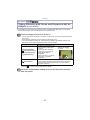
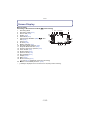
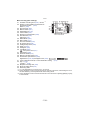
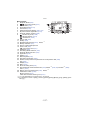
• For information about the icons displayed on the touch panel, refer to “Screen Display” on
P135.
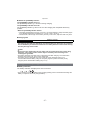
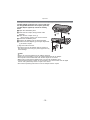
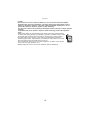
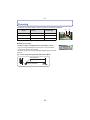
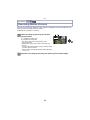
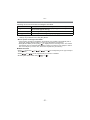
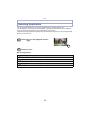
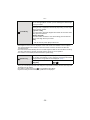
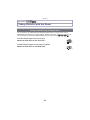
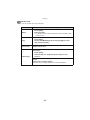
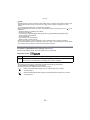
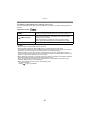
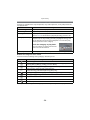
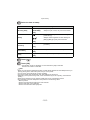
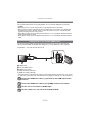
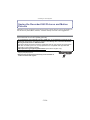
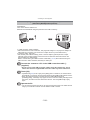
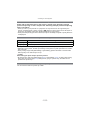
∫ About the Stylus pen
It is easier to use the stylus pen (supplied) for detailed
operation or if it is hard to operate with your fingers.
• Do not place it where small children can reach.
• Do not place the stylus pen on the LCD monitor when storing.
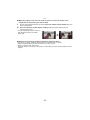
LCD monitor may break when the stylus pen is pressed
strongly against the LCD monitor.
-7-