1
Recording
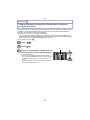
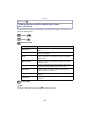
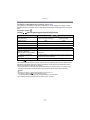
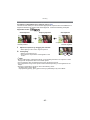
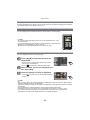
[i.Exposure]
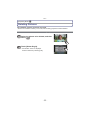
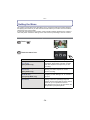
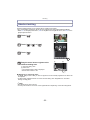
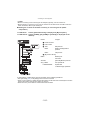
For details on [Rec] Mode menu settings, refer to P36.
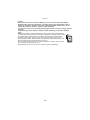
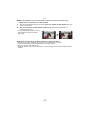
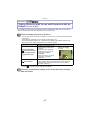
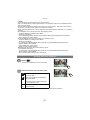
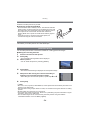
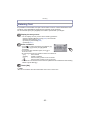
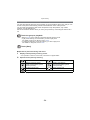
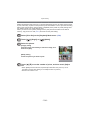
Contrast and exposure will be adjusted automatically when there is a big difference in
brightness between the background and subject, to bring the image close to real life.
Applicable modes: ·
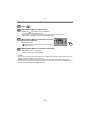
[ON]/[OFF]
Note
• Even when the [Sensitivity] is set to [ISO100], [Sensitivity] may be set higher than [ISO100] if
the picture is taken with [i.Exposure] set to valid.
• Compensation effect may not be achieved depending on the conditions.
•[
] in the screen turns to yellow when [i.Exposure] is in effect.
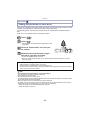
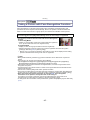
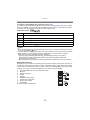
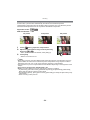
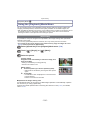
[Min. Shtr Speed]
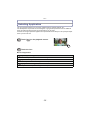
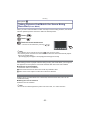
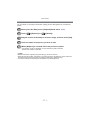
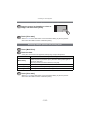
For details on [Rec] Mode menu settings, refer to P36.
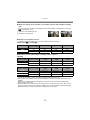
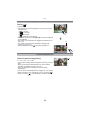
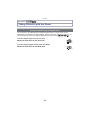
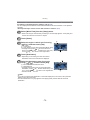
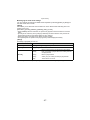
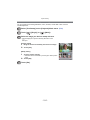
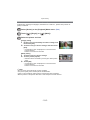
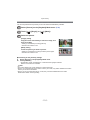
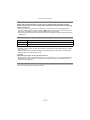
You can take bright pictures in dark places by setting [Min. Shtr Speed] slower. Also, you
can set it faster to reduce the blur of the subject.
Applicable modes: ·
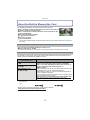
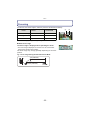
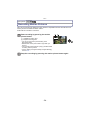
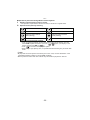
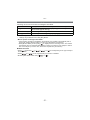
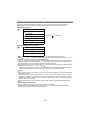
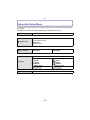
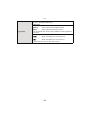
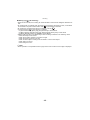
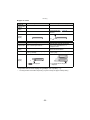
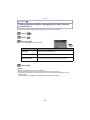
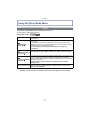
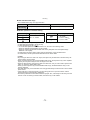
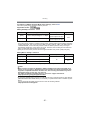
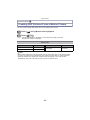
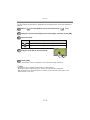
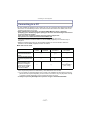
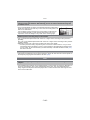
[AUTO], [1/125], [1/60], [1/30], [1/15], [1/8], [1/4], [1/2], [1]
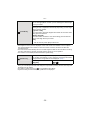
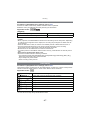
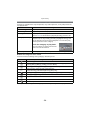
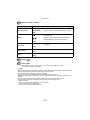
Minimum shutter speed setting
1/125
1
Brightness
Darker
Brighter
Jitter
Less
More
Note
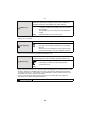
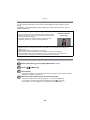
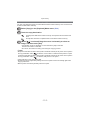
• This should usually be set to [AUTO] to take pictures. (When you select a minimum shutter
speed other than [AUTO], [
] appears on the screen.)
• When [AUTO] is selected, shutter speed may be set up to 1 second when there is not much
jitter to adjust with the [Stabilizer], or when [Stabilizer] is set to [OFF].
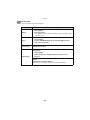
• Setting [Min. Shtr Speed] to slower speed might increase the chance of jitter, so we
recommend using a tripod and the self-timer for taking pictures.
• Setting [Min. Shtr Speed] to faster speed might make the picture darker, so we recommend
recording the picture in a well-lit area. If correct exposure cannot be achieved, [
red when the shutter button is pressed halfway.
- 85 -
] will flash in