1
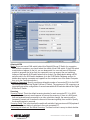
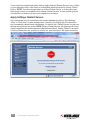
has to be turned off. A zero-acceleration mouse on a remote server will not reflect on the
viewer since the mouse cursor on the remote server should catch up with the mouse on the
viewer side, which could use any acceleration factor. However, on the local console of the
Digital KVM over IP Switch you’ll experience zero mouse acceleration and reduced efficiency
when trying to move your mouse. Enabling the mouse acceleration on the local console can
provide more effective mouse maneuvering, yet won’t affect the mouse acceleration on the
connected server since it is only imposed atop its original zero acceleration on the local
console.
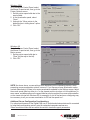
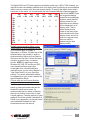
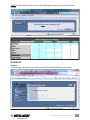
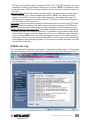
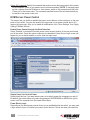
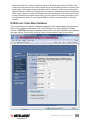
KVM Server: Video Mode Database
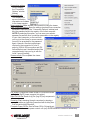
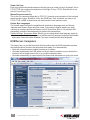
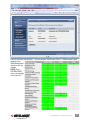
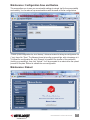
This screen allows you to modify, create and suppress the VGA modes supported by the device.
After you’ve made all modifications, click “Store Settings,” then “Apply Settings”/“Restart
Servers.” caution: Carelessly modifying a video mode in this video database might obliterate
the video capture: Don’t modify anything unless you know exactly what you are doing.
MANAGEMENT OVER A BROWSER
47