1
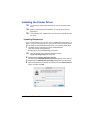
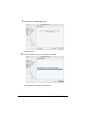
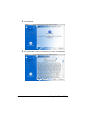
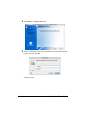
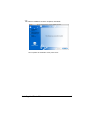
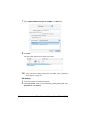
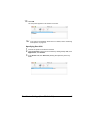
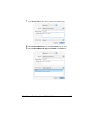
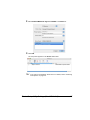
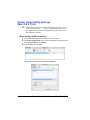
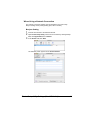
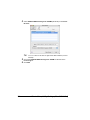
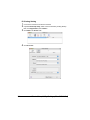
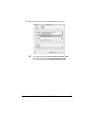
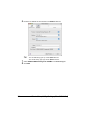
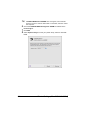
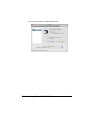
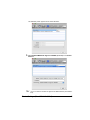
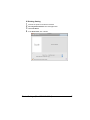
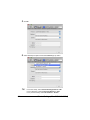
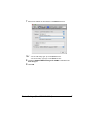
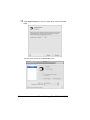
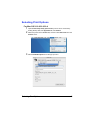
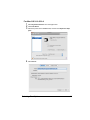
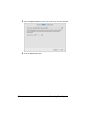
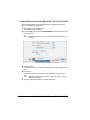
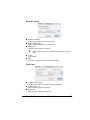
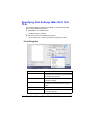
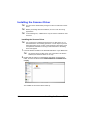
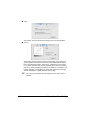
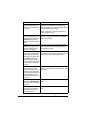
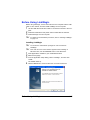
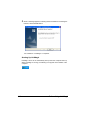
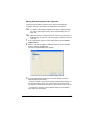
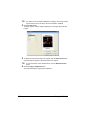
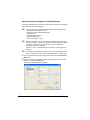
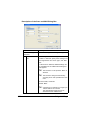
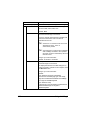
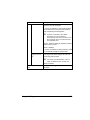
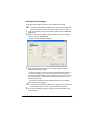
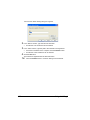
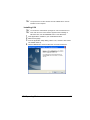
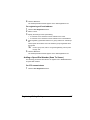
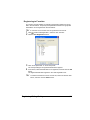
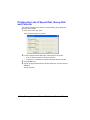
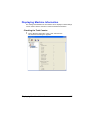
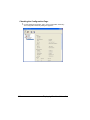
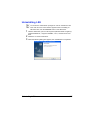
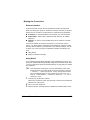
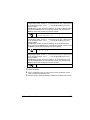
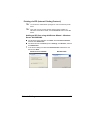
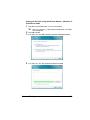
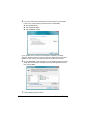
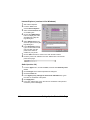
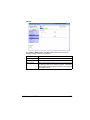
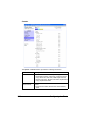
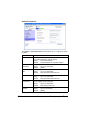
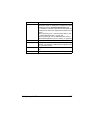
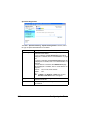
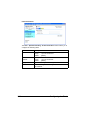
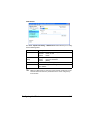
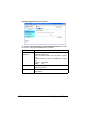
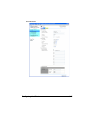
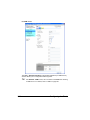
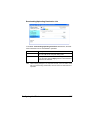
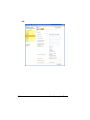
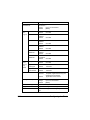
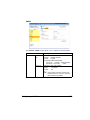
Installing Printer Utilities on Windows " " " You must have administrator privileges in order to install the Printer Utilities. Before proceeding with the installation, be sure to exit all running applications. If the User Account Control window appears when installing on Windows Vista, click the Continue button or the Yes button. The following procedure describes how to install the Printer Utilities. Paper Port PageScope Net Care PageScope Network Setup 1 2 3 4 5 6 168 Insert the Applications CD/DVD in your CD/DVD-ROM drive. Select the language. Select the utilities to be installed. Follow the onscreen instructions to complete the installation. When the Information message box appears, select Finish. After the installation is complete, remove the Applications CD/DVD from your CD/DVD-ROM drive and store it in a safe place. Installing Printer Utilities on Windows