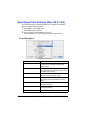
1
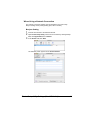
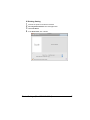
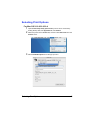
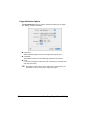
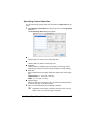
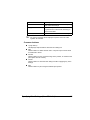
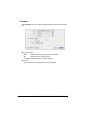
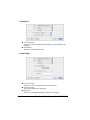
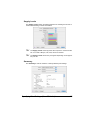
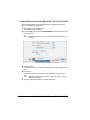
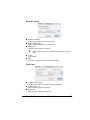
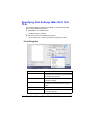
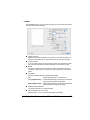
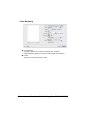
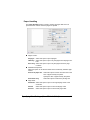
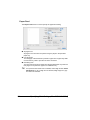
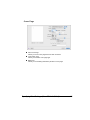
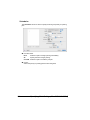
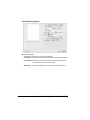
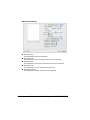
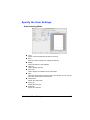
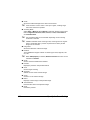
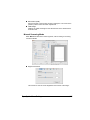
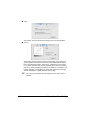
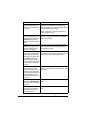
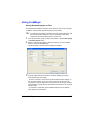
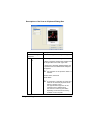
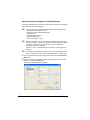
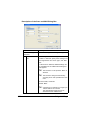
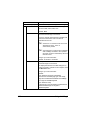
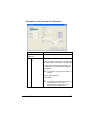
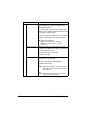
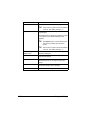
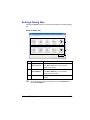
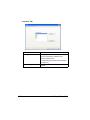
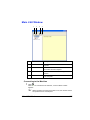
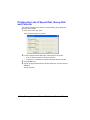
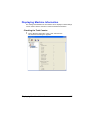
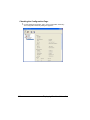
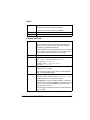
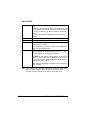
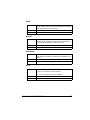
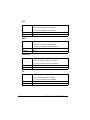
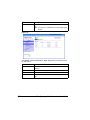
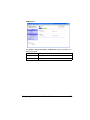
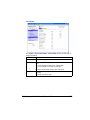
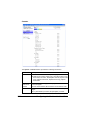
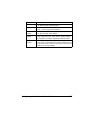
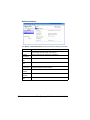
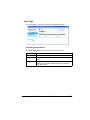
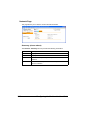
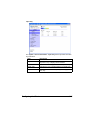
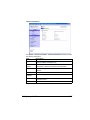
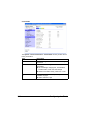
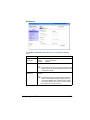
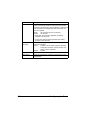
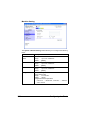
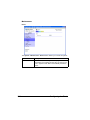
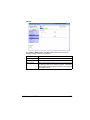
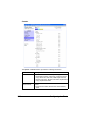
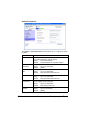
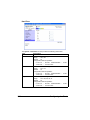
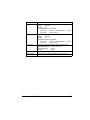
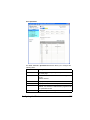
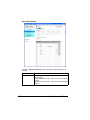
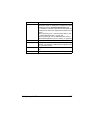
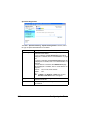
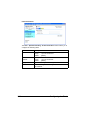
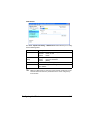
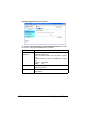
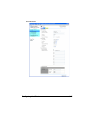
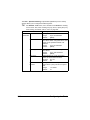
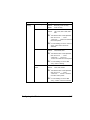
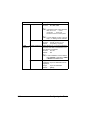
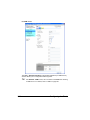
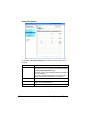
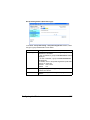
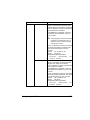
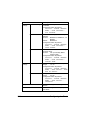
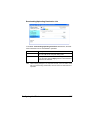
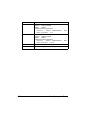
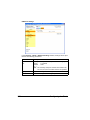
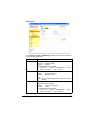
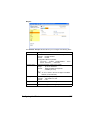
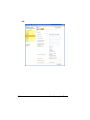
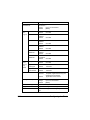
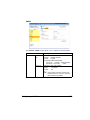
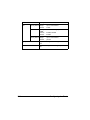
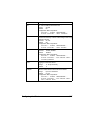
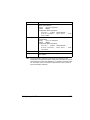
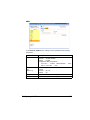
Section Description Scheduler This section contains options for specifying the print timing and priority of jobs. Printer Features This section contains options for color printing and watermark settings. Supply Levels This section provides information for checking the amount of service life remaining on each consumable. Summary This is used to check the current settings. " No warning message will be displayed if options cannot be used together are selected. Common buttons ? (Help button) This displays help information about the Print dialog box. PDF Click this button to select the PDF menu. The print output can be saved as a PDF file or faxed. Cancel Click this button to close the Print dialog box without applying any of the settings. Print Click this button to print using the selected print options. Copies This specifies the number of copies to be printed. If the Collated checkbox is selected, all pages in the documents are printed as sets of printouts. For example, if 5 is entered for Copies and Collated is selected, the document is printed five times from the first page to the last page. If Two-Sided checkbox is selected, the document is printed on both sides of the paper. Pages All: Prints all pages in the document. From, to: Specifies the range of pages to be printed. Paper Size Select the desired paper size from the Paper Size pop-up menu. Orientation Select either a vertical or horizontal page orientation for printouts. 78 Specifying Print Settings (Mac OS X 10.5/10.6)