1
Working with Text
117
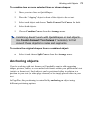
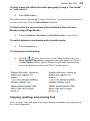
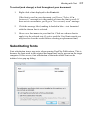
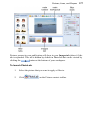
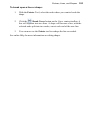
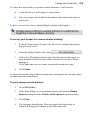
To select (and change) a font throughout your document:
1.
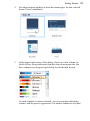
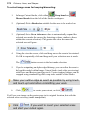
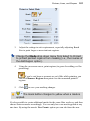
Right-click a font displayed in the Fonts tab.
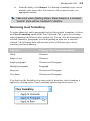
If the font is used in your document, you'll see a "Select All n
Instance(s)" message (n is the number of times the font is used). If
there are no occurrences, you'll get a "Not currently used" message.
2.
Click the message label, making it shaded in blue—text formatted
with the chosen font is selected.
3.
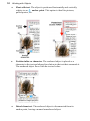
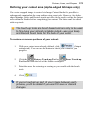
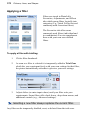
Hover over font names in your font list. Click on a chosen font to
apply it to the selected text (if you've used the Used fonts search you
may need to clear the results before selecting a replacement font).
Substituting fonts
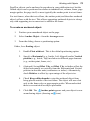
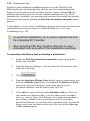
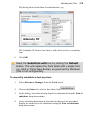
Font substitution issues may arise when opening PagePlus Publications. This is
because the fonts used in the original document may not be present on the target
computer. If this occurs, font substitution of that unavailable font can be
initiated via a pop-up dialog.