1
Chapter 7 — Configuring the Computer
Connecting to a Bluetooth Printer
To configure your mobile computer for Bluetooth wireless printing,
you need to:
create an application that opens the wireless printing COM port on
your mobile computer. For help, see the Bluetooth Resource Kit,
which is part of the Intermec Developer Library (IDL), available
from the Intermec web site at www.intermec.com/idl.
• select the current wireless printer on your mobile computer. For
help, see the next procedure.
To select the current wireless printer:
•
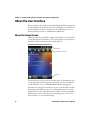
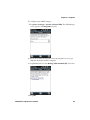
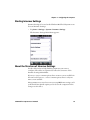
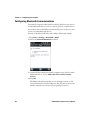
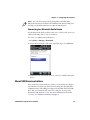
1 Tap Start > Settings > System > Wireless Printing.
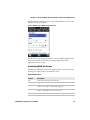
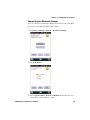
2 Tap Search to find a printer, or tap Manual to enter a device
address. Follow the onscreen instructions to select the current
wireless printer.
3 (Optional) Tap Print Test Page. The printer prints out a test page.
After you configure Bluetooth wireless printing, you can use an
application that opens the wireless printing COM port on your
mobile computer. For help developing applications, see the
Bluetooth Resource Kit, part of the Intermec Developer Library
(IDL), available from the Intermec web site at
www.intermec.com/idl.
66
CS40 Mobile Computer User’s Manual