1
Please check www.sitecom.com for up to date drivers & utilities, manuals and support
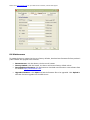
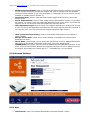
8.6 Maintenance
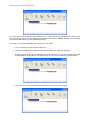
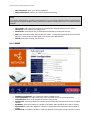
To restart the Server, restore the Server to factory defaults, download new firmware file from product’s
public website and upgrade new firmware.
•
•
•
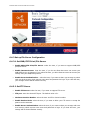
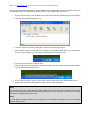
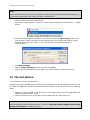
Restart Server: click this button, the Server will restart
Factory Default: click this button, the Server will restore factory default values.
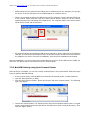
Download New Firmware: click this button to download new firmware or user software from
our website http://www.sitecom.com.
•
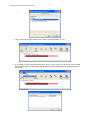
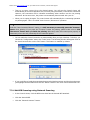
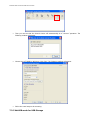
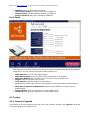
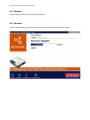
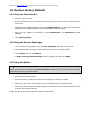
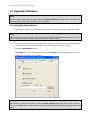
Upgrade Firmware : click Open and find the firmware file to be upgraded. Click Upload to
start the firmware upgrade into the MFP Server.