1
ENLTV User’s Guide 1.
2.
3.
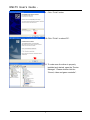
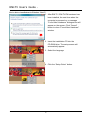
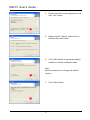
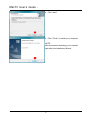
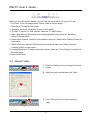
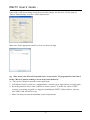
Select the video signal format in your area (NTSC
or PAL) from the “TV Tuner Standard” drop-down
menu.
Select “Line-In” to drop-down menu of the “Audio
Input Source” and the “Volume Control Source”.
Click “Next”
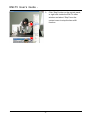
NOTE:
• You must select same source for
both “Audio Input Source” and
“Volume Control Source”.
• The name of your “Audio Input
Source” may vary depending on
your sound card.
4.
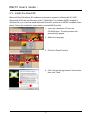
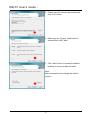
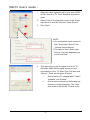
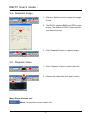
This step will give you an option to scan for TV
channels. Select which signal source you are
connected to in the “TV Scan Type” line then click
“Search”. There are two types of scans.
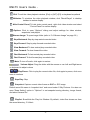
i.
One is scan by TV channel table “Cable”,
“Antenna” and “Extend”
ii.
One is scan by frequency that scans low
frequency to high frequency. The “Auto”
scan mode is not for the TV table order.
21