1
System Commands
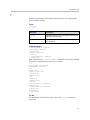
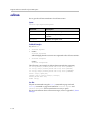
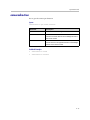
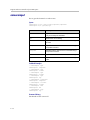
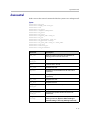
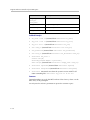
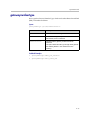
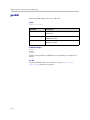
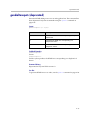
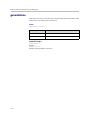
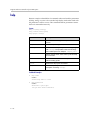
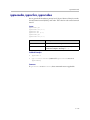
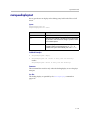
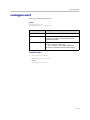
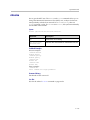
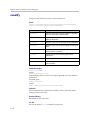
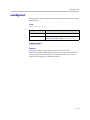
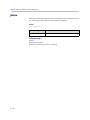
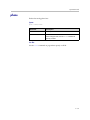
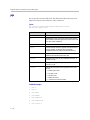
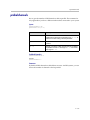
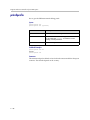
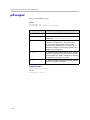
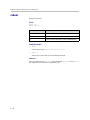
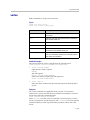
screencontrol
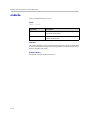
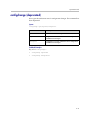
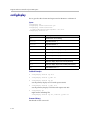
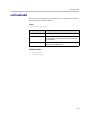
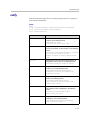
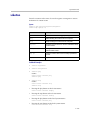
Disables or enables navigation to specified user interface screens of the system.
Syntax
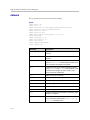
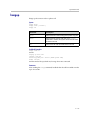
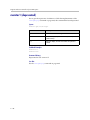
screencontrol enable <all|none|“screen_name”>
screencontrol disable <all|none|“screen_name”>
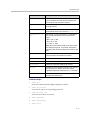
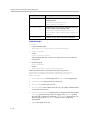
Parameter
Description
enable
Enables navigation to the specified user interface
screen(s).
all
All of the user interface screens.
none
None of the user interface screens.
“screen_name”
Name of a specific user interface screen.
disable
Disables navigation to the specified user interface
screen(s).
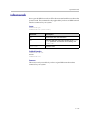
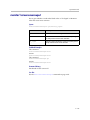
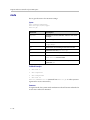
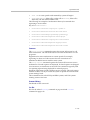
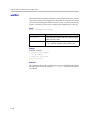
Feedback Examples
•
screencontrol disable all
returns
screencontrol disable all success
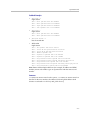
•
screencontrol disable adminsettings
disables navigation to the Admin Settings in the user interface
•
screencontrol disable none
reverses all screen disable commands
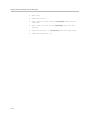
This command returns a failure for unknown screen names, for example
error: screencontrol screen “main” unknown
screencontrol enable main failed
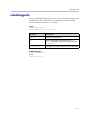
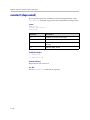
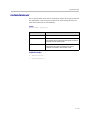
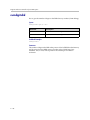
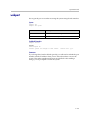
Command History
Introduced in VSX version 8.0.
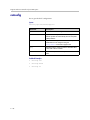
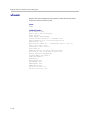
See Also
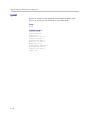
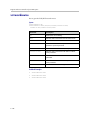
Refer to the screen command on page 4-202 for details about accessing screen
names.
4 - 203