1
System Commands
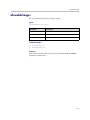
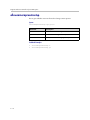
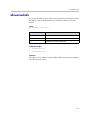
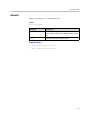
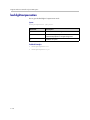
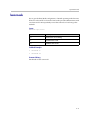
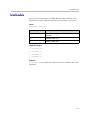
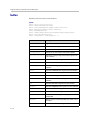
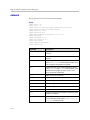
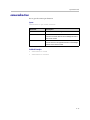
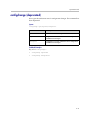
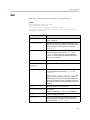
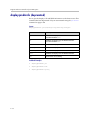
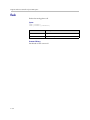
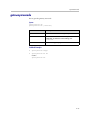
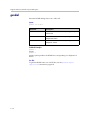
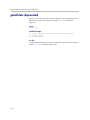
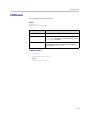
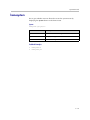
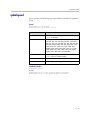
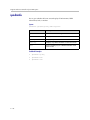
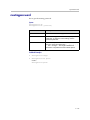
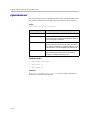
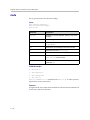
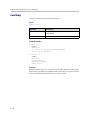
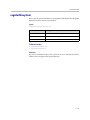
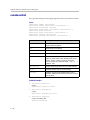
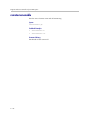
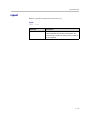
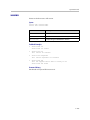
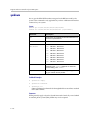
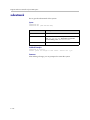
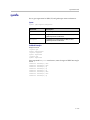
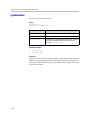
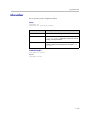
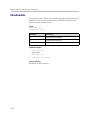
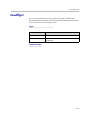
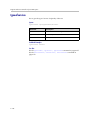
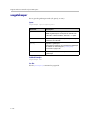
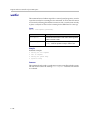
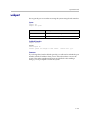
webport
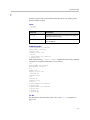
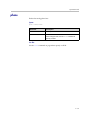
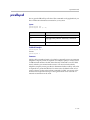
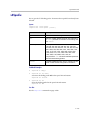
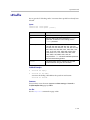
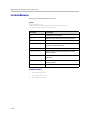
Sets or gets the port to use when accessing the system using the web interface.
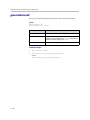
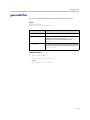
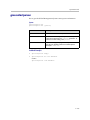
Syntax
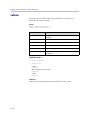
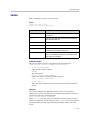
webport get
webport set “port”
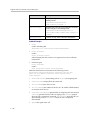
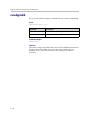
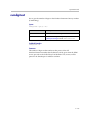
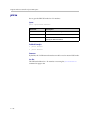
Parameter
Description
get
Returns the current setting.
set
Sets the web access port to “port”.
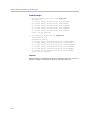
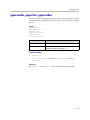
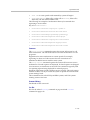
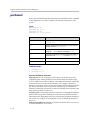
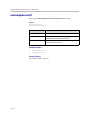
Feedback Examples
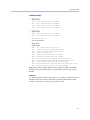
webport set 80
returns
webaccessport 80
restart system for changes to take effect.
restart now? <y,n>
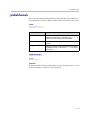
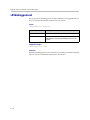
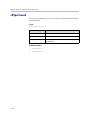
Comments
If you change this from the default (port 80), you will need to include the port
number with the IP address when you use the web interface to access the
system. This makes unauthorized access more difficult. After making a
change, you are prompted to restart the system.
4 - 251