1
System Commands
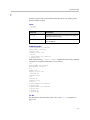
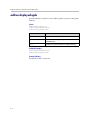
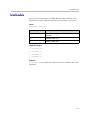
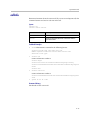
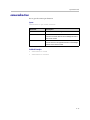
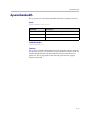
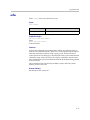
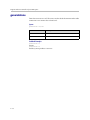
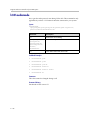
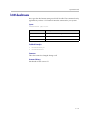
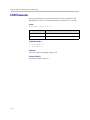
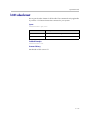
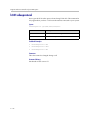
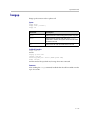
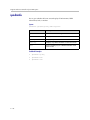
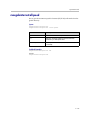
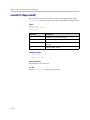
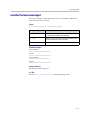
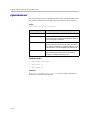
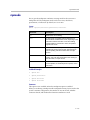
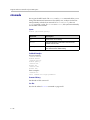
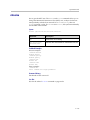
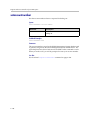
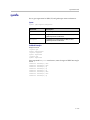
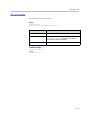
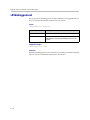
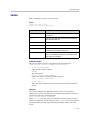
usepathnavigator
Sets or gets the Polycom PathNavigator™ mode, if PathNavigator is used with
the system.
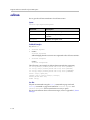
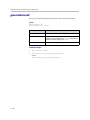
Syntax
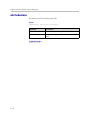
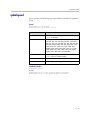
usepathnavigator <get|always|never|required>
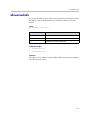
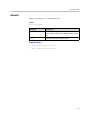
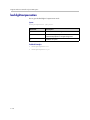
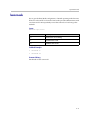
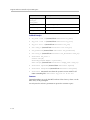
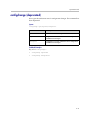
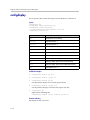
Parameter
Description
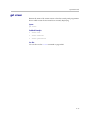
get
Returns the current setting.
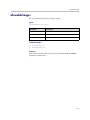
always
Always use PathNavigator to place a multipoint call.
Never use the external MCU.
never
Never use PathNavigator to place a multipoint call. Use
the external MCU instead.
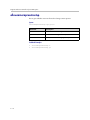
required
This is the default. When this option is selected, if the
multipoint call is within the MCU capabilities, it is
handled by the MCU; otherwise, beyond the MCU
capabilities, it is handled through the
PathNavigator/MGC™.
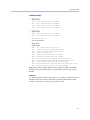
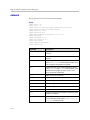
Feedback Examples
•
usepathnavigator always
•
usepathnavigator never
•
usepathnavigator required
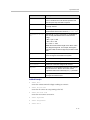
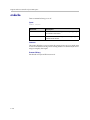
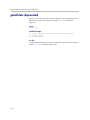
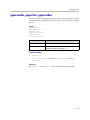
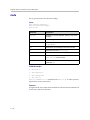
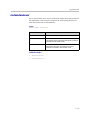
Comments
This option is only accessible if PathNavigator is used.
Because PathNavigator uses an MGC, it can handle video conferences with
more participants and higher speeds than an embedded MCU. PathNavigator,
which supports ad-hoc multipoint video conferencing, is required to
implement Conference on Demand™. Conference on Demand allows users to
bring multiple endpoints together in a video conference on an unscheduled
basis. It allows users to place multipoint video calls to remote participants by
only using their names and/or numbers that correspond to those remote
locations.
4 - 233