1
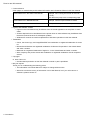
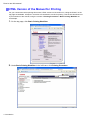
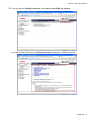
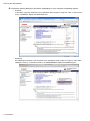
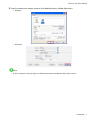
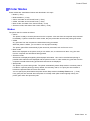
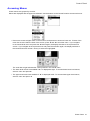
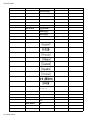
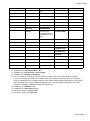
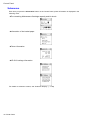
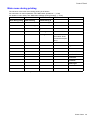
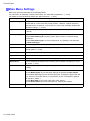
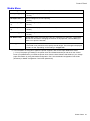
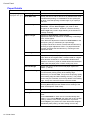
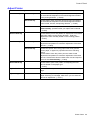
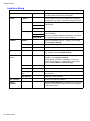
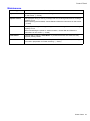
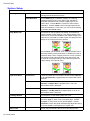
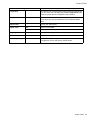
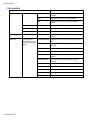
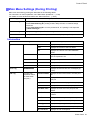
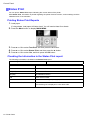
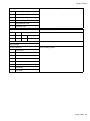
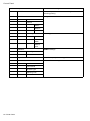
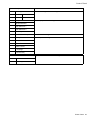
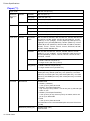
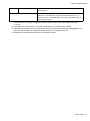
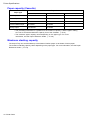
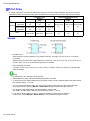
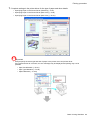
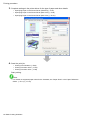
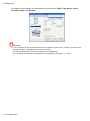
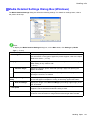
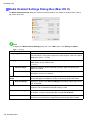
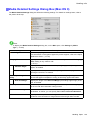
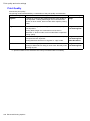
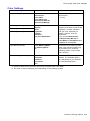
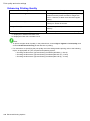
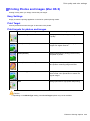
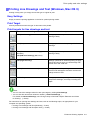
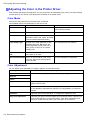
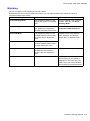
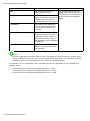
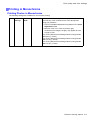
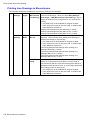
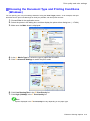
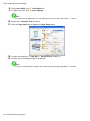
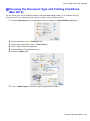
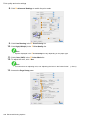
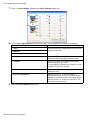
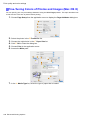
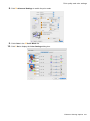
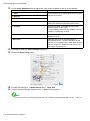
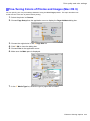
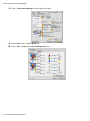
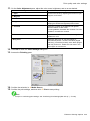
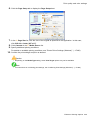
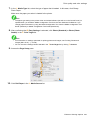
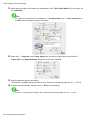
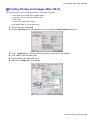
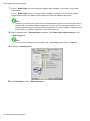
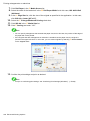
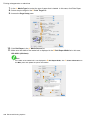
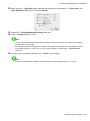
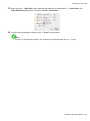
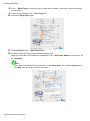
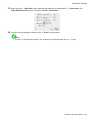
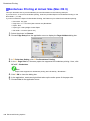
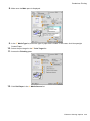
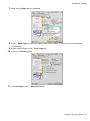
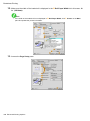
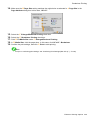
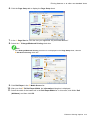
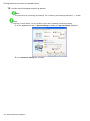
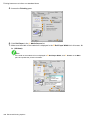
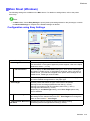
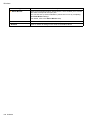
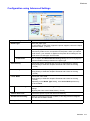
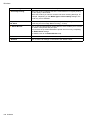
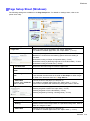
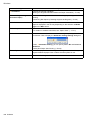
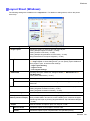
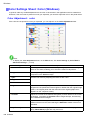
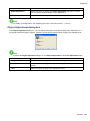
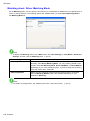
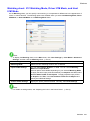
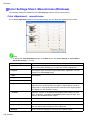
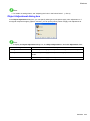
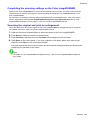
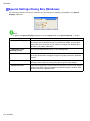
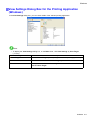
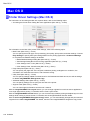
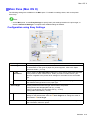
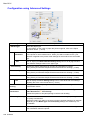
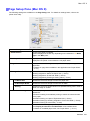
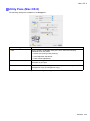
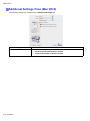
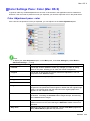
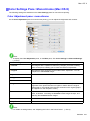
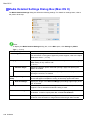
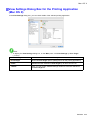
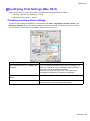
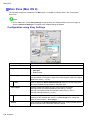
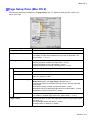
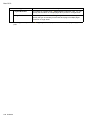
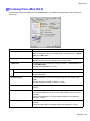
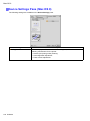
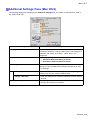
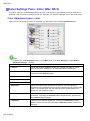
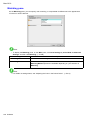
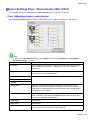
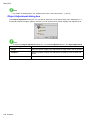
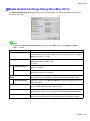
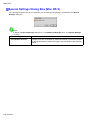
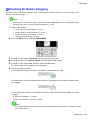
Print quality and color settings Adjusting the Color in the Printer Driver Color settings specied in the application for your documents are essentially given priority over other settings for each print job, but further color adjustment is possible in the printer driver. Color Mode Choose how the printer driver processes color, as desired. The available options vary depending on the color mode. Description Color Mode Color Adjustment Color Print in color. You can adjust the color balance and color-matching method. Monochrome Print in grayscale. You can adjust the color balance. Color (CAD) A color mode optimized for line drawings You can adjust the color balance. (2D-CAD). Lines in red, yellow, and other colors are printed especially clearly. Color (CAD) Light Another color mode optimized for line drawings (2D-CAD). Black lines are printed especially clearly when ink of many colors is used, as for colored backgrounds. You can adjust the color balance. Monochrome (BK ink) A color mode for printing line drawings. Only Black ink is used. You can adjust the color balance. Monochrome Bitmap Print in a color mode for CAD, using Color Ink, with all non-white portions printed in black. No color adjustment is supported. Color Adjustment You can adjust colors separately for images, graphics, and text documents. Adjustment Item Cyan Description Correct color tones by adjusting the levels of Cyan, Magenta, and Yellow. Magenta Yellow Brightness Adjust the brightness of printed images while keeping the darkest and lightest portions intact. Contrast Adjust the contrast of the darkest and lightest portions relative to each other. For soft gradation, decrease the contrast. For hard gradation, increase the contrast. Saturation Adjust the level of color saturation, in a range from subdued to vivid. Gray Tone Adjustment Adjust the gray tone to suit the images of monochrome photos. Choose cool black (tinged with blue), pure black (neutral), warm black (tinged with red), and so on. Select the color tone in the color region or from the list. 214 Enhanced Printing Options