1
SIP User's Manual
2.
3. Web-Based Management
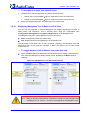
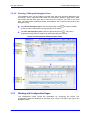
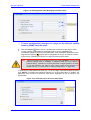
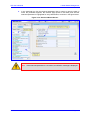
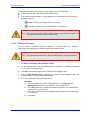
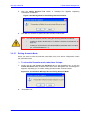
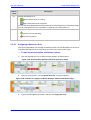
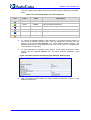
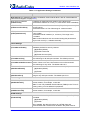
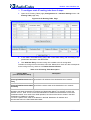
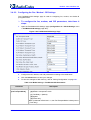
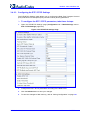
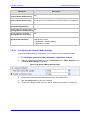
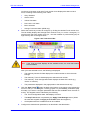
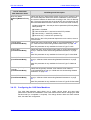
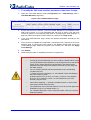
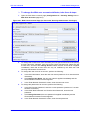
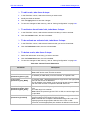
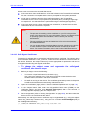
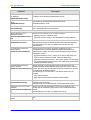
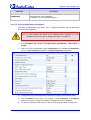
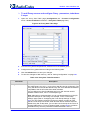
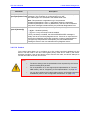
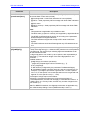
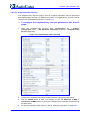
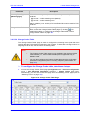
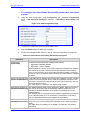
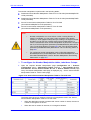
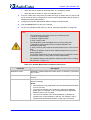
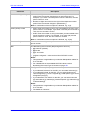
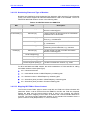
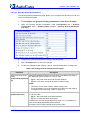
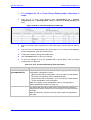
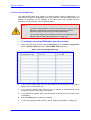
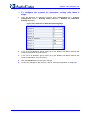
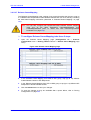
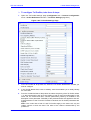
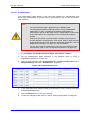
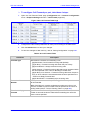
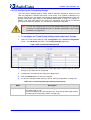
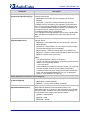
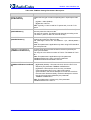
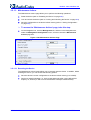
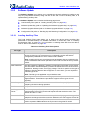
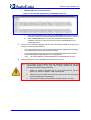
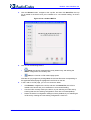
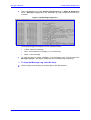
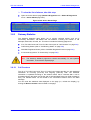
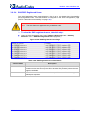
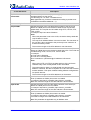
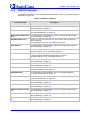
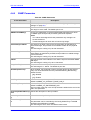
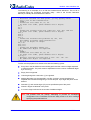
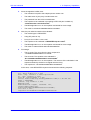
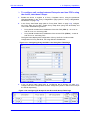
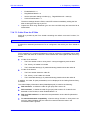
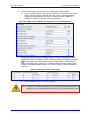
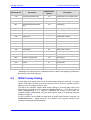
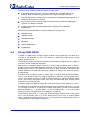
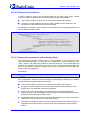
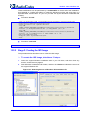
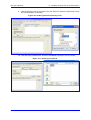
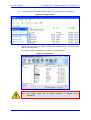
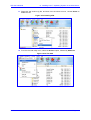
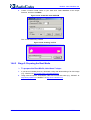
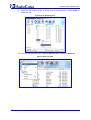
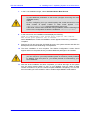
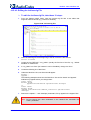
In the 'SNMP Trusted Managers' field, click the right-pointing arrow
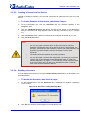
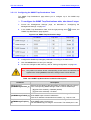
'SNMP Trusted Managers' page appears.
button; the
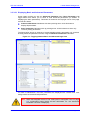
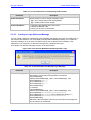
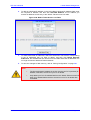
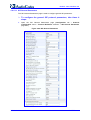
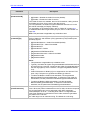
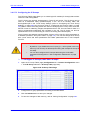
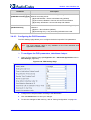
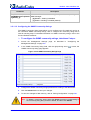
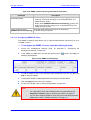
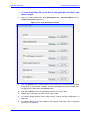
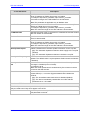
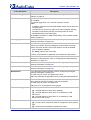
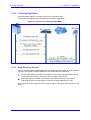
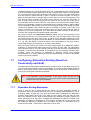
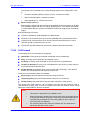
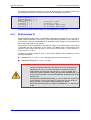
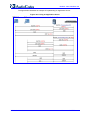
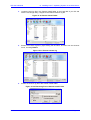
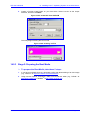
Figure 3-106: SNMP Trusted Managers
3.5.1.2
3.
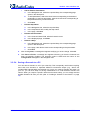
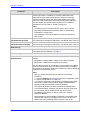
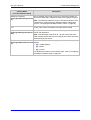
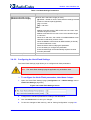
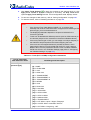
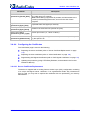
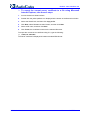
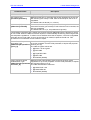
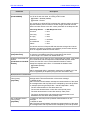
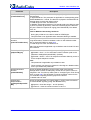
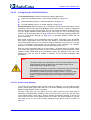
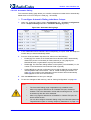
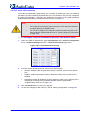
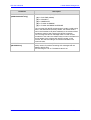
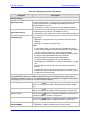
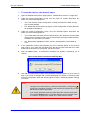
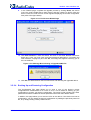
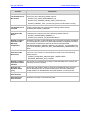
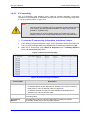
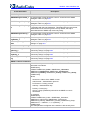
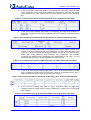
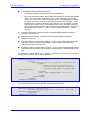
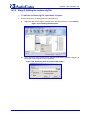
Select the check box corresponding to the SNMP Trusted Manager that you want to
enable and for whom you want to define an IP address.
4.
Define an IP address in dotted-decimal notation.
5.
Click the Submit button to apply your changes.
6.
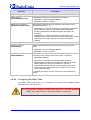
To save the changes, refer to ''Saving Configuration'' on page 265.
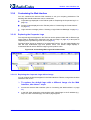
Configuring the Regional Settings
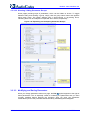
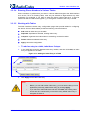
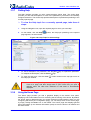
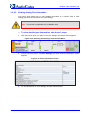
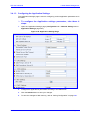
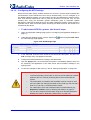
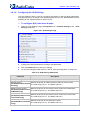
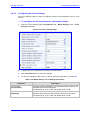
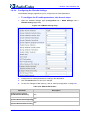
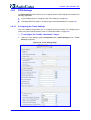
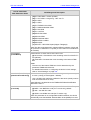
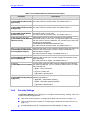
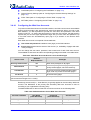
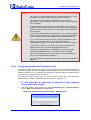
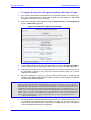
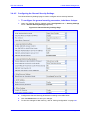
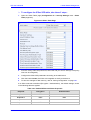
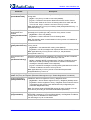
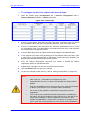
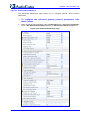
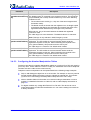
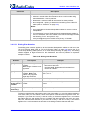
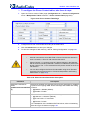
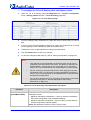
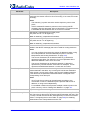
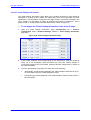
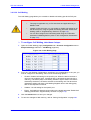
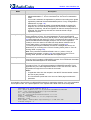
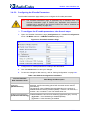
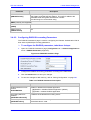
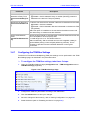
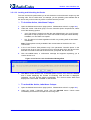
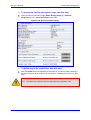
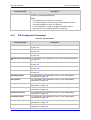
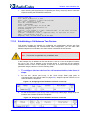
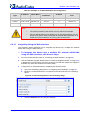
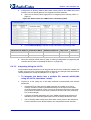
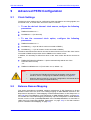
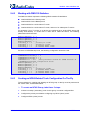
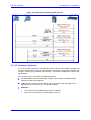
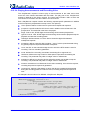
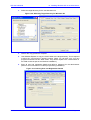
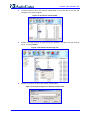
The 'Regional Settings' page allows you to define and view the device's internal date and
time.
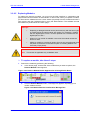
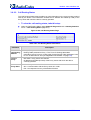
¾ To configure the device's date and time, take these 3 steps:
1.
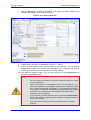
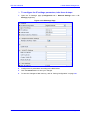
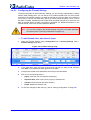
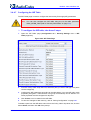
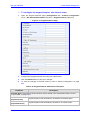
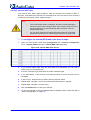
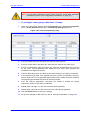
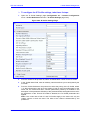
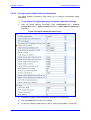
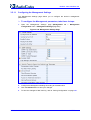
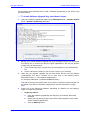
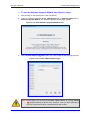
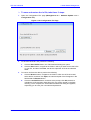
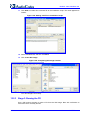
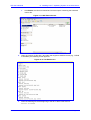
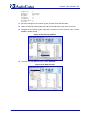
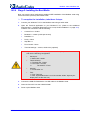
Open the 'Regional Settings' page (Management tab > Management Configuration
menu > Regional Settings page item).
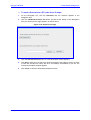
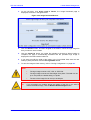
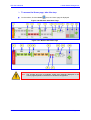
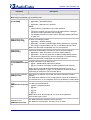
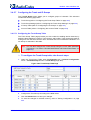
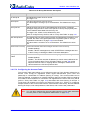
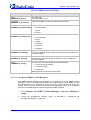
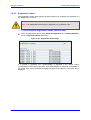
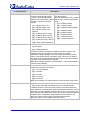
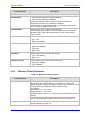
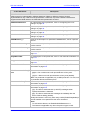
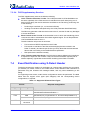
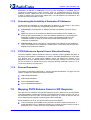
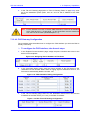
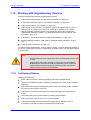
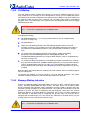
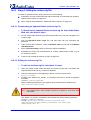
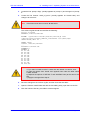
Figure 3-107: Regional Settings Page
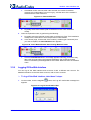
2.
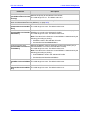
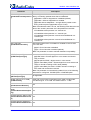
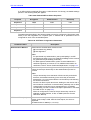
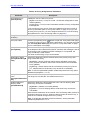
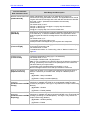
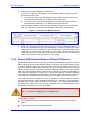
Enter the current date and time in the geographical location in which the device is
installed.
3.
Click the Submit button; the date and time are automatically updated.
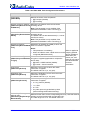
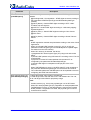
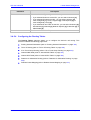
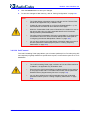
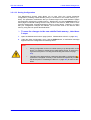
Notes:
Version 5.4
•
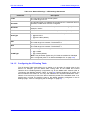
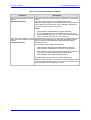
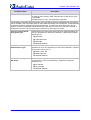
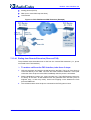
If the device is configured to obtain the date and time from an SNTP
server (refer to ''Configuring the Application Settings'' on page 71), the
fields on this page are read-only and cannot be modified. For an
explanation on SNTP, refer to ''Simple Network Time Protocol Support''
on page 449.
•
After performing a hardware reset, the date and time are returned to their
defaults and therefore, should be updated.
261
May 2008