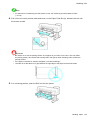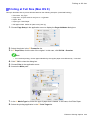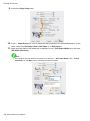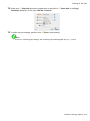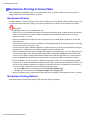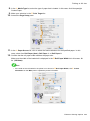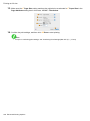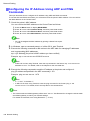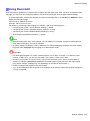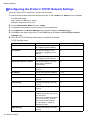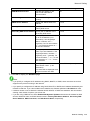
1
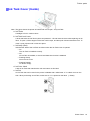
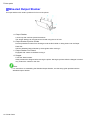
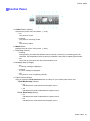
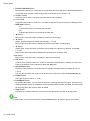
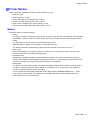
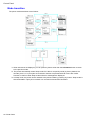
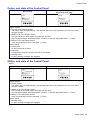
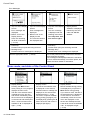
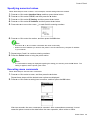
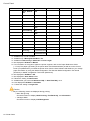
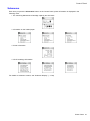
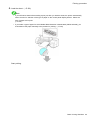
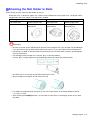
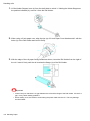
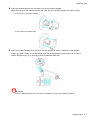
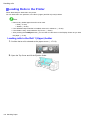
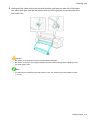
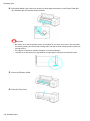
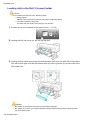
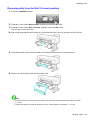
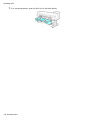
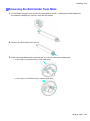
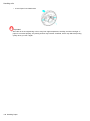
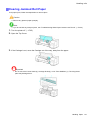
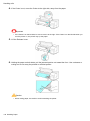
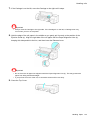
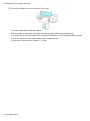
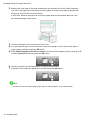
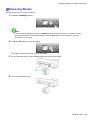
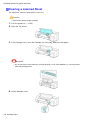
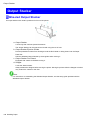
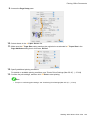
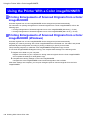
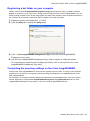
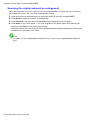
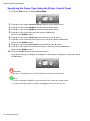
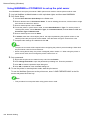
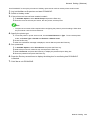
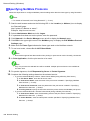
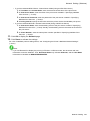
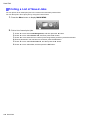
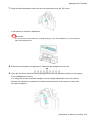
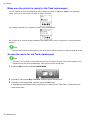
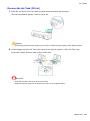
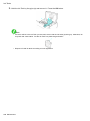
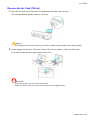
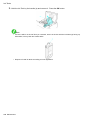
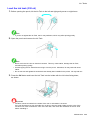
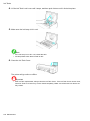
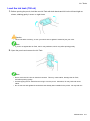
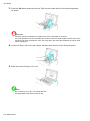
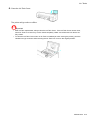
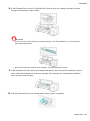
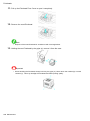
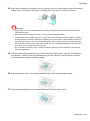
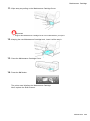
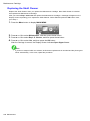
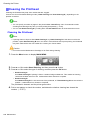
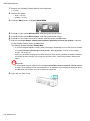
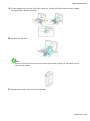
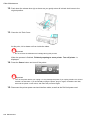
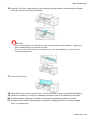
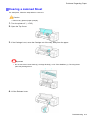
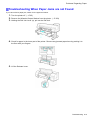
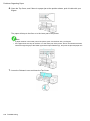
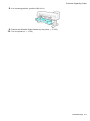
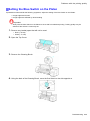
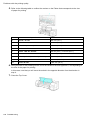
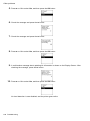
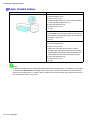
Handling rolls Removing rolls from the Roll 2 (Lower) position 1. Press the Load/Eject button. 2. 3. Press ▲ or ▼ to select Remove Roll, and then press the OK button. Press ▲ or ▼ to select Roll 2 (Lower), and then press the OK button. The roll can now be removed. 4. After conrming that the Online lamp is off, hold the Roll Unit Lever (a) and pull out the Roll Unit. 5. Using both hands, rotate the Roll Holder in the direction of the arrow to rewind the roll. 6. Remove the Roll Holder from the Roll Holder Slot. Note • For instructions on removing the Roll Holder from rolls, see “Removing the Roll Holder from Rolls”. (→P.129) • To load new paper in the printer at this point, see “Loading Rolls in the Printer”. (→P.118) Handling Paper 127