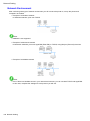
1
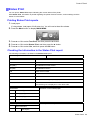
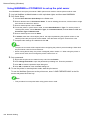
Handling sheets for paper feed slots
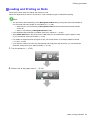
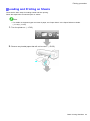
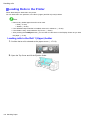
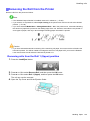
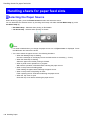
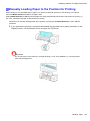
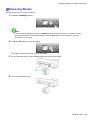
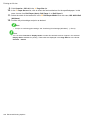
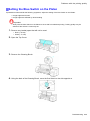
Loading Sheets in the Printer
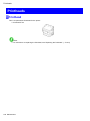
Note
• For details on supported types and sizes of paper, see “Paper Sizes” or the Paper Reference Guide.
(→P.109) (→P.104)
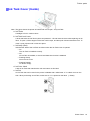
• If the Platen is dirty, clean inside the Top Cover before loading paper. (→P.597)
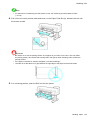
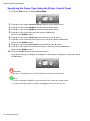
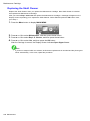
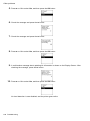
• After pressing the Load/Eject button, you can refer to instructions on the Display Screen as you load
the paper. (→P.76)
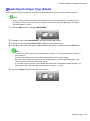
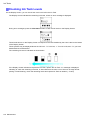
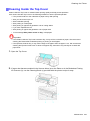
1.
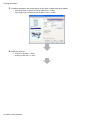
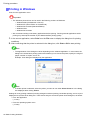
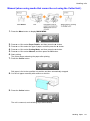
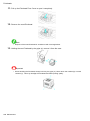
If you send a print job from a computer beforehand, the type and size of paper are shown on the
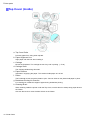
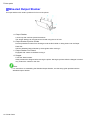
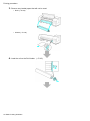
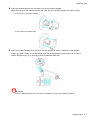
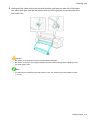
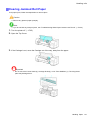
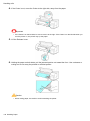
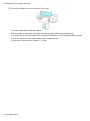
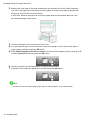
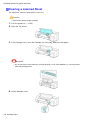
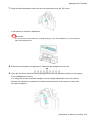
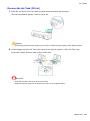
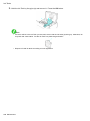
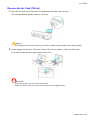
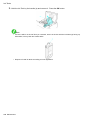
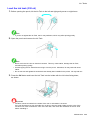
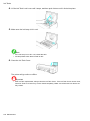
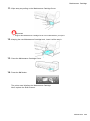
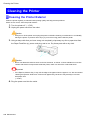
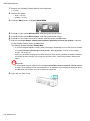
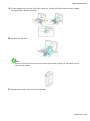
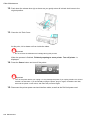
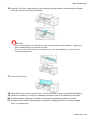
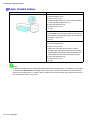
Display Screen. Lift the Release Lever and open the Top Cover.
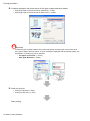
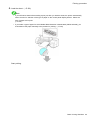
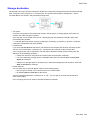
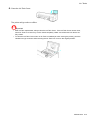
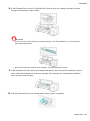
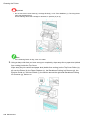
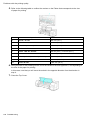
Important
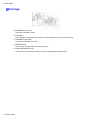
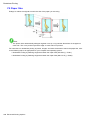
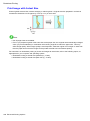
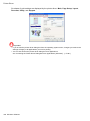
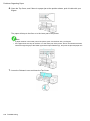
• Do not touch the Linear Scale (a), Carriage Shaft (b), or Ink Tube Stabilizer (c). Touching these
parts may damage them.
150 Handling Paper