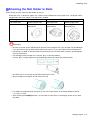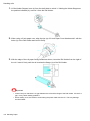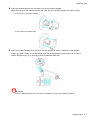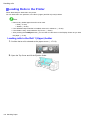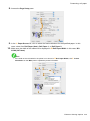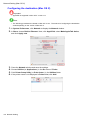
1
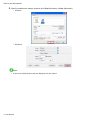
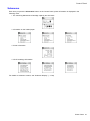
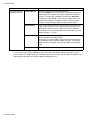
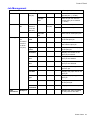
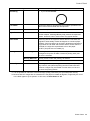
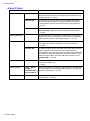
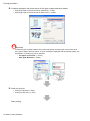
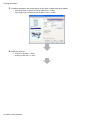
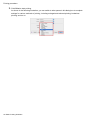
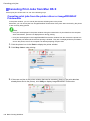
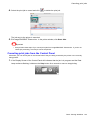
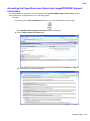
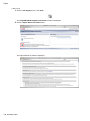
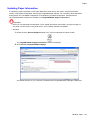
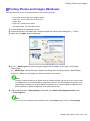
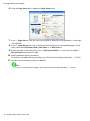
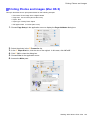
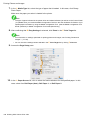
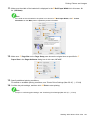
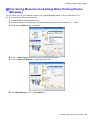
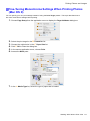
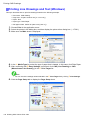
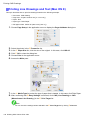
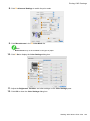
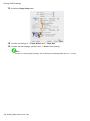
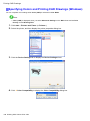
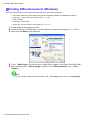
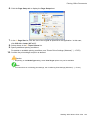
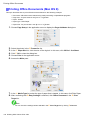
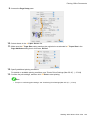
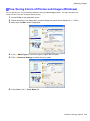
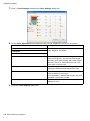
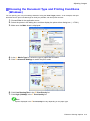
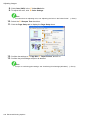
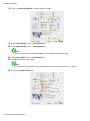
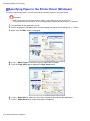
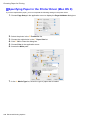
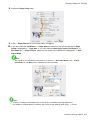
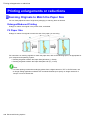
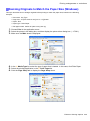
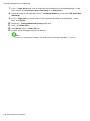
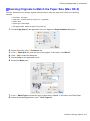
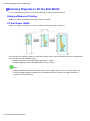
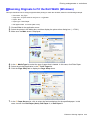
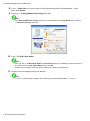
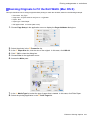
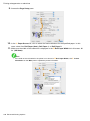
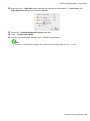
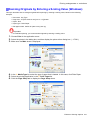
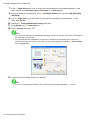
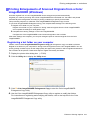
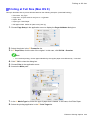
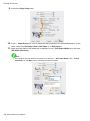
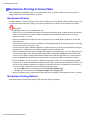
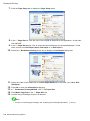
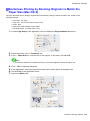
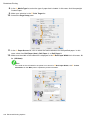
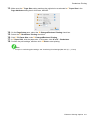
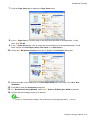
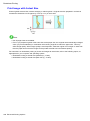
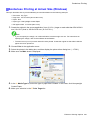
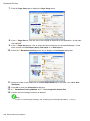
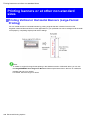
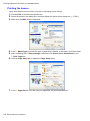
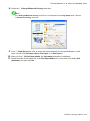
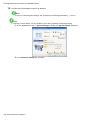
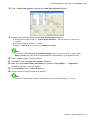
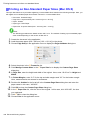
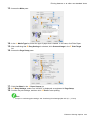
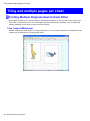
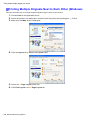
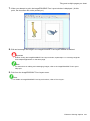
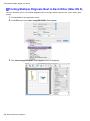
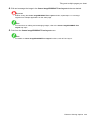
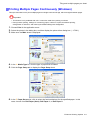
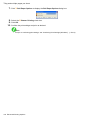
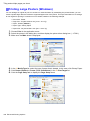
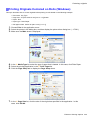
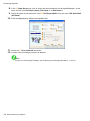
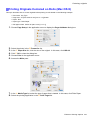
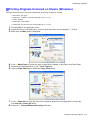
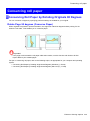
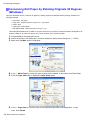
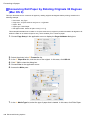
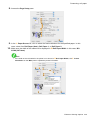
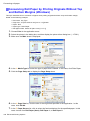
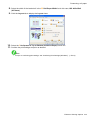
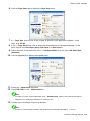
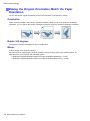
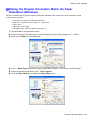
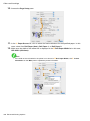
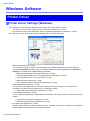
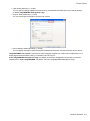
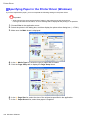
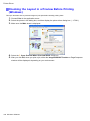
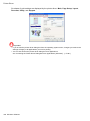
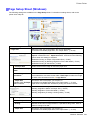
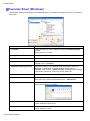
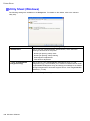
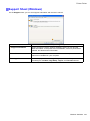
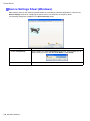
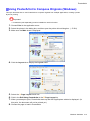
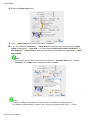
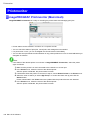
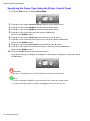
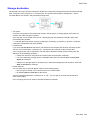
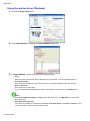
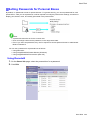
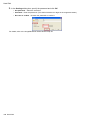
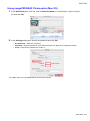
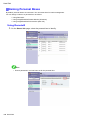
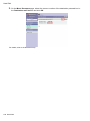
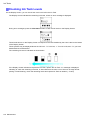
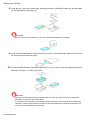
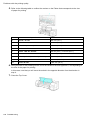
Conserving roll paper Conserving Roll Paper by Rotating Originals 90 Degrees (Windows) This topic describes how to conserve roll paper by rotating originals 90 degrees before printing, based on the following example. • • • • • Document: Any Type Page size: A4 (210.0×297.0 mm [8.3×11.7 in]) /Letter Paper: Roll Paper type: Plain Paper Roll paper Width: A3/A4 roll (297.0 mm [11.7 in.]) This example illustrates how to rotate an A4 (210.0×297.0 mm) original in portrait orientation 90 degrees to t within the width of an A3/A4 roll (297.0 mm), which enables you to conserve paper. 1. 2. 3. Choose Print in the application menu. 4. 5. In the A Media Type list, select the type of paper that is loaded. In this case, click Plain Paper. 6. In the A Page Size list, click the size of the original as specied in the application. In this Select the printer in the dialog box, and then display the printer driver dialog box. (→P.381) Make sure the Main sheet is displayed. Click the Page Setup tab to display the Page Setup sheet. case, click ISO A4. 336 Enhanced Printing Options