1
Storage Setup (Windows File Sharing/SMB)
with multiple disks or a USB hub) and the third
x represents the number of the partition. You
may read or write to any FAT or FAT32 disk in
this way, and read but not write to NTFS disks
this way. If you need read/write access to an
NTFS disk you must use Virtual USB mode (see
below).
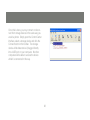
Storage devices attached to your server are accessible through Windows File Sharing and FTP
protocols. For local network access, Windows
File Sharing is the preferred method. To browse
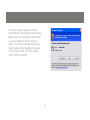
the shared files, start by opening Internet Explorer or any Windows Explorer window with an
Address bar. Type “\\GMFPSU22W6” into the
address bar (without the quotes) and hit enter to
see what is being shared by the server.
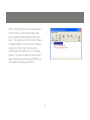
All storage will be labeled according to the
convention USBx_DxPx, where the first x
represents the number of the USB port of the
server, the second x represents the number of
the Disk (usually 1 unless you attach a device
23