1
RADIUS Commands
6.
69
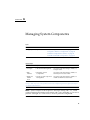
Managing System Components
73
Viewing Component Information and Managing System Components
7.
▼
View Component Information
▼
Prepare to Remove a Component
▼
Return a Component to Service
▼
Enable and Disable Components
Monitoring System Components
74
75
76
76
77
Monitoring System Sensors, Indicators, and ILOM Event Logs
8.
▼
View Sensor Readings
▼
Configure System Indicators
▼
Configure Clock Settings
▼
Filter Event Log Output
▼
View and Clear the ILOM Event Log
▼
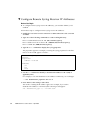
Configure Remote Syslog Receiver IP Addresses
▼
View Fault Status
▼
Collect SP Data to Diagnose System Problems
Managing System Alerts
79
82
82
84
88
89
90
90
▼
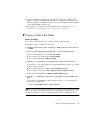
Create or Edit Alert Rules
▼
Disable an Alert Rule
▼
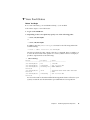
Generate Test Alerts
91
92
92
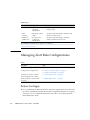
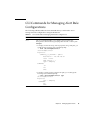
CLI Commands for Managing Alert Rule Configurations
Configuring SMTP Client for Email Notification Alerts
▼
xv
86
87
Managing Alert Rule Configurations
Before You Begin
80
Enable SMTP Client
ILOM 3.0 CLI Procedures Guide • April 2009
95
93
95
78
74