1
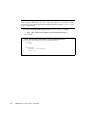
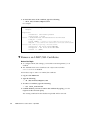
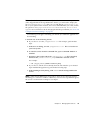
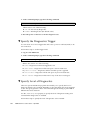
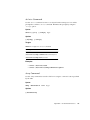
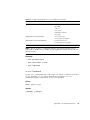
Note – address can either be the IP address or DNS (host name). If using DNS,
DNS must be enabled. For more information on enabling DNS, see “View and
Configure DNS Settings” on page 29.
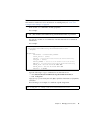
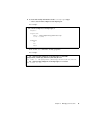
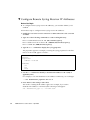
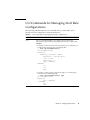
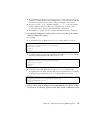
Then use the set command to modify properties.
For example:
-> set /SP/clients/activedirectory/alternateservers/1 port=636
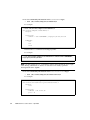
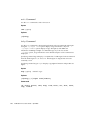
You can also use the show command to view the alternate server certificate
information.
For example:
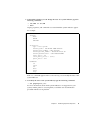
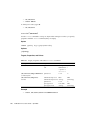
-> show /SP/clients/activedirectory/alternateservers/1/cert
/SP/clients/activedirectory/alternateservers/1/cert
Targets:
Properties:
certstatus = certificate present
clear_action = (none)
issuer = /DC=com/DC=sun/DC=east/DC=sales/CN CAforActiveDirectory
load_uri = (none)
serial_number = 08:f3:2e:c0:8c:12:cd:bb:4e:7e:82:23:c4:0d:22:60
subject = /DC=com/DC=sun/DC=east/DC=sales/CN=CAforActiveDirectory
valid_from = Oct 25 22:18:26 2006 GMT
valid_until = Oct 25 22:18:26 2011 GMT
version = 3 (0x02)
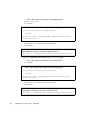
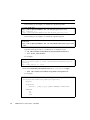
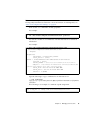
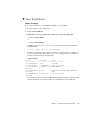
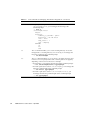
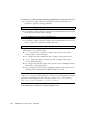
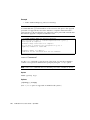
Type the following to copy a certificate for an alternate server:
-> cd /SP/clients/activedirectory/alternateservers/1
-> set load_uri=
<tftp|ftp|scp>:[//<username:password>]@//<ipAddress|HostName>/<filepPath>/
<fileName>
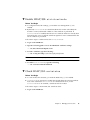
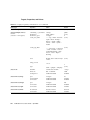
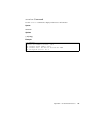
The following is an example of a certificate copied using TFTP:
-> set load_uri=tftp://10.8.172.152/sales/cert.cert
Set ’load_uri’ to ’tftp://10.8.172.152/sales/cert.cert’
Chapter 5
Managing User Accounts
53