1
Testing the peripheral equipment
10.5 (D)GPS
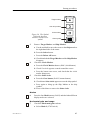
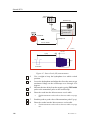
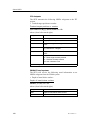
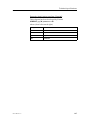
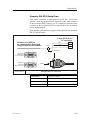
Observe the following procedure to test the GPS input:
1
Access the I/O Setup menu.
→
851-164336 / C
A procedure for this is located on page 126.
2
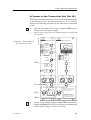
Select Sensors in the I/O Setup menu, then Pos.System,
and finally GPS.
3
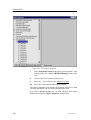
Observe the Sensor Config submenu appears at the bottom
of the menu field.
4
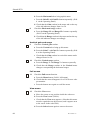
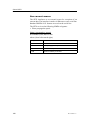
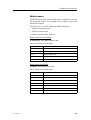
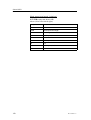
Check that the settings in the Sensor Config submenu
corresponds to your requirements for the serial line.
5
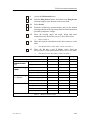
Press Close to exit the Sensor Config menu.
6
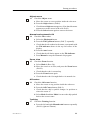
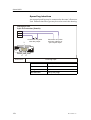
Check that the Lat/Long readout in the Status menu
corresponds to the GPS readout.
133