1
 Loading Fan-fold/External Media
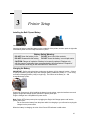
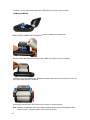
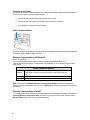
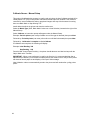
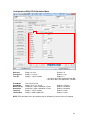
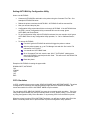
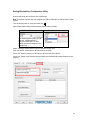
Open the printer media cover by pressing down on the media cover release latch.
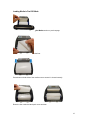
Pull the media holders apart far enough to fit the width of the Fan-fold media you are installing
Push down each media holder lock lever to secure the media holders in place
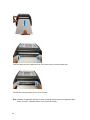
Route the media, printing side out, through the bottom external label slot
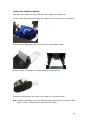
Press down on both sides of the media cover to make sure it is closed correctly
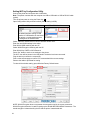
Note: Calibrate the gap/black mark sensor when changing media using the Configuration Utility –
Printer Function – Calibrate Sensor or the Power-On Utilities.
19