1
W240D
Multi Function Wide Monitor
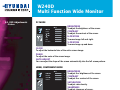
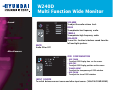
• Sound
VOLUME
To adjust the audio volume level.
BASE
To emphasize low frequency audio.
TREBLE
To empahsize high frequency audio.
BALANCE
To use this function to balance sound from the
left and right speakers.
MUTE
Audio ON or OFF
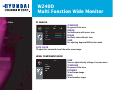
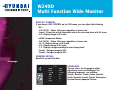
• Miscellaneous
OSD CONFIGURATION
- OSD TIMER
To adjust OSD Display time on the screen.
- OSD POS
To adjust OSD Display position on the screen.
- TRANSPARENT
To adjust the transparency of OSD window.
- OSD ZOOM
To adjust the size of OSD window.
INPUT SOURCE
To switch between current source and other input source. ( VGA/DVI/COMP/HDMI )
18/24