1
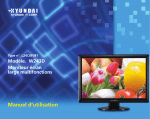
W240D
Multi Function Wide Monitor
Contents
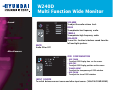
1. Introduction ...................................1/24
2. Safety Information ........................1/24
3. Installing the monitor ...................4/24
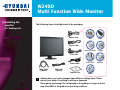
3-1. Packing List .........................................4/24
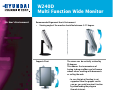
3-2. Selecting a suitable location ..............5/24
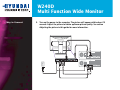
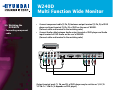
3-3. Connecting the PC ...............................5/24
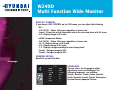
3-4. Setting the refresh rate ......................9/24
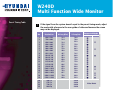
Preset Timing Table ..........................10/24
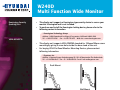
3-5. Watching the DVD/HDTV .................11/24
3-6. User’s Environment ...........................12/24
4. Adjusting the picture ..................14/24
4-1. Using the On Screen Display ...........15/24
4-2. Direct access buttons .......................15/24
4-3. OSD Adjustment ..............................16/24
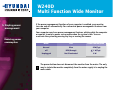
5. Display power management ......20/24
Reducing power consumption ..............20/24
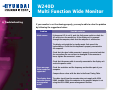
6. Troubleshooting ..........................21/24
7. Specifications ..............................24/24