1
Matrix Software, cont’d
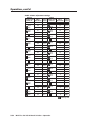
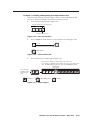
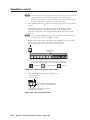
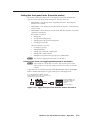
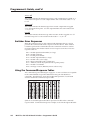
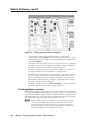
Using the Button-Label Generator software
PRELIMINARY
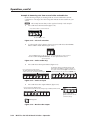
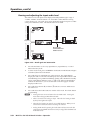
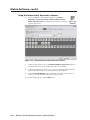
1.
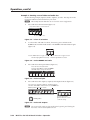
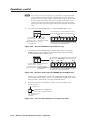
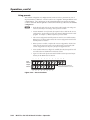
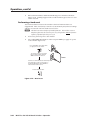
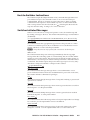
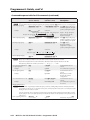
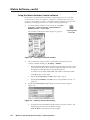
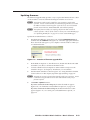
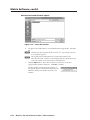
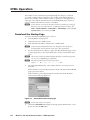
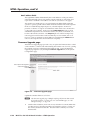
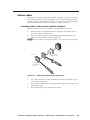
To run the Button-Label Generator program, click Start >
Programs > Extron Electronics > Button Label Generator >
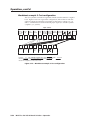
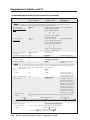
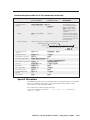
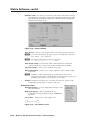
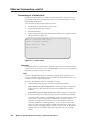
Button Label Generator. The Button-Label Generator window
appears (figure 5-18).
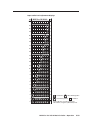
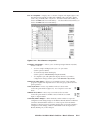
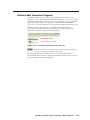
Figure 5-18 — Extron’s Button-Label Generator window
2.
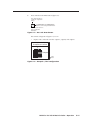
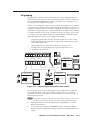
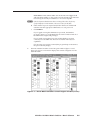
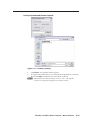
Under System selection, choose the Matrix Switchers 1616 Series option to
match the button size for your MVX Plus 128 VGA A switcher.
3.
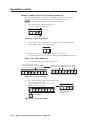
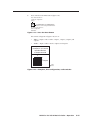
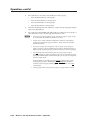
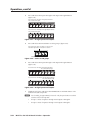
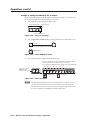
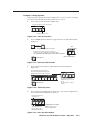
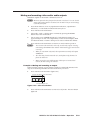
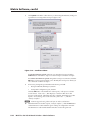
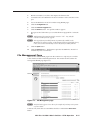
Using normal Windows controls, you can create and print labels that can be
placed in the label windows on the front panel of the switcher.
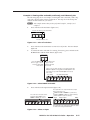
4.
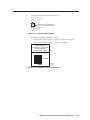
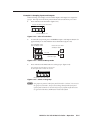
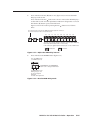
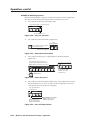
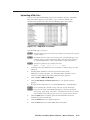
Click the Clear All Buttons button and create new labels as many times as
necessary to make all of the button labels that you need.
To access the help program, click the Help menu.
5-24
MVX Plus 128 VGA A Matrix Switcher • Matrix Software