1
Operation, cont’d
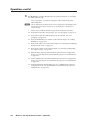
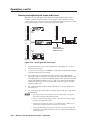
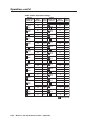
N Volume is protected when front panel Lock mode 2 is selected. You can view the
volume in Lock mode 2 but you cannot change it from the front panel.
If front panel Lock mode 2 is selected and you try to perform step 4, the actions
are ignored and the Enter, RGBHV, and Audio buttons flash.
4.
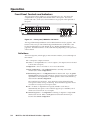
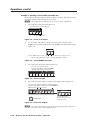
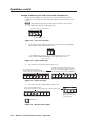
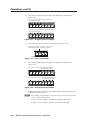
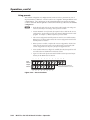
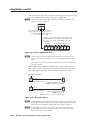
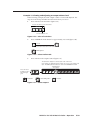
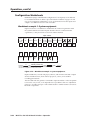
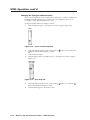
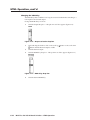
Press and release the Esc (>) button once (figure 3-62) to increase the volume
by 1.5%.
Press and release the Esc (>) button several more times (figure 3-62) to
increase the volume by 1.5% per button press. Note the input button
indication changes that occur each time the Esc (>) button is pressed and
released.
N You can press and hold the Esc (>) or View (<) button to ramp the level up or
down by 3 dB per second to the high or low limit.
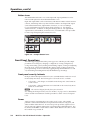
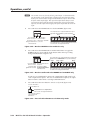
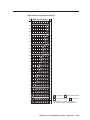
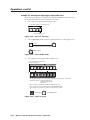
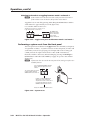
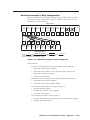
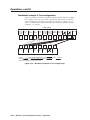
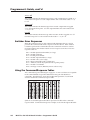
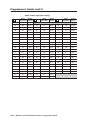
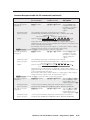
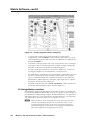
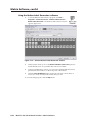
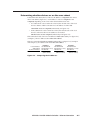
Figure 3-66 show the result of pressing the Esc (>) button a total of 13 times.
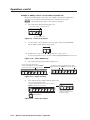
Press the Esc button to decrease the audio attenuation (thereby increasing the
audio level) that is applied to the output volume level by 1 dB per button push.
PRELIMINARY
ESC
–26 dB attenuation,
61% volume
INPUTS
1
2
3
4
5
6
7F 8
9 10 11 12
The input buttons display the selected output's audio volume level.
In this example, the green input buttons display 61 percent of the applied audio
input. The unlit input buttons indicate an audio volume attenuation of 26 dB.
= Unlit button
F
= Fast blinking button
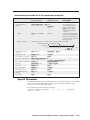
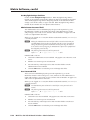
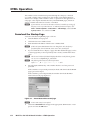
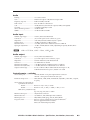
Figure 3-62 — Adjust the output audio volume
5.
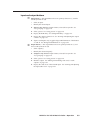
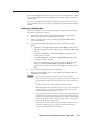
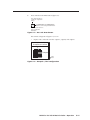
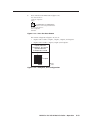
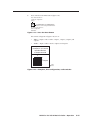
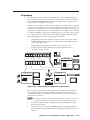
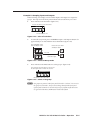
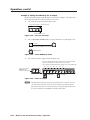
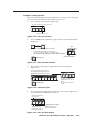
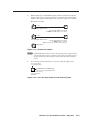
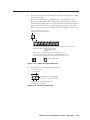
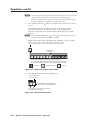
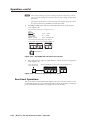
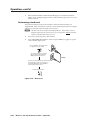
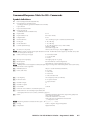
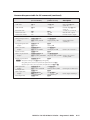
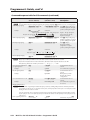
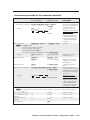
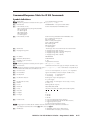
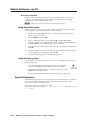
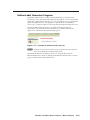
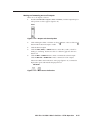
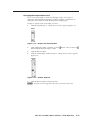
Press and release the Audio button (figure 3-63).
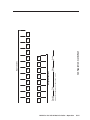
Press the Audio button
to exit audio mode.
I/O
RGBHV AUDIO
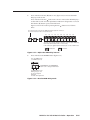
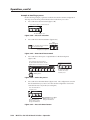
All input buttons and output buttons
return to unlit or background illumination.
The Audio button stops blinking and lights red.
The RGBHV button lights green.
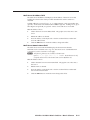
Figure 3-63 — Deselect Audio mode
3-40
MVX Plus 128 VGA A Matrix Switcher • Operation
= Lit button