1
®
CyberResearch CPU Cards
CEGB Series
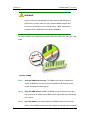
CAUTION!
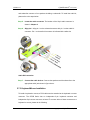
Do not accidentally disconnect the SATA drive cables. Carefully route the
cables within the chassis to avoid system down time.
E.2 Features and Benefits
Supports RAID levels 0, 1, 5 and 10
Supports connectivity to two or more disk drives
Supported Operating Systems include: Windows XP, Windows Server 2003
and Windows Vista
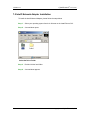
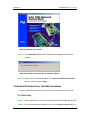
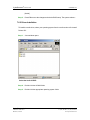
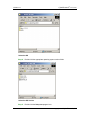
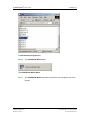
E.3 Accessing the Intel® Matrix Storage Manager
To access the Intel® Matrix Storage Manager, please follow the steps below.
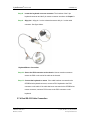
Step 1: Connect SATA drives to the system. Connect two or more SATA drives to the
system. Make sure the drives have the same capacity, are the same type and
have the same speed.
NOTE:
Make sure the SATA drives are EXACTLY the same when they are configured
in a RAID configuration. If they are not the same size, disk drive capacity is
sacrificed and overall performance affected.
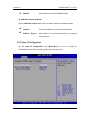
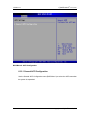
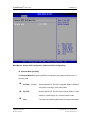
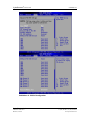
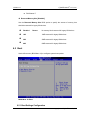
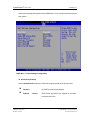
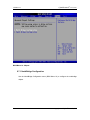
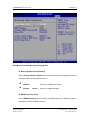
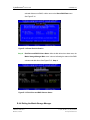
Step 2: Enable SATA drives in BIOS. Start the computer and access the BIOS setup
program. Enable SATA support for all IDE* devices. Refer to the applicable
BIOS configuration section in this user manual.
CyberResearch, Inc.
* The CEGA Series does not support the IDE connection standard
25 Business Park Drive
Branford, CT USA
185
P: (203) 483-8815; F: (203) 483-9024
www.cyberresearch.com