1
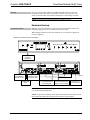
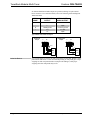
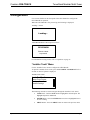
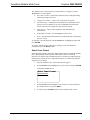
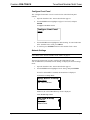
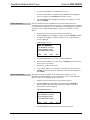
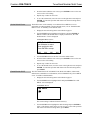
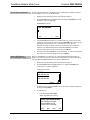
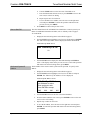
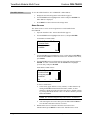
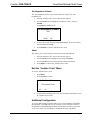
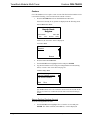
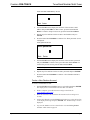
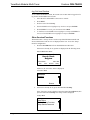
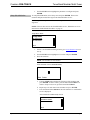
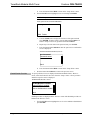
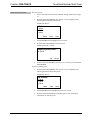
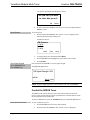
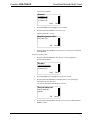
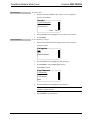
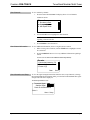
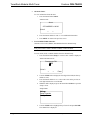
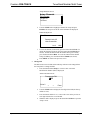
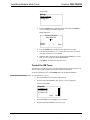
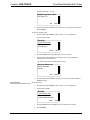
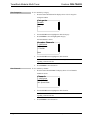
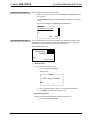
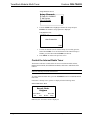
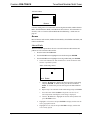
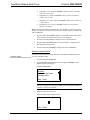
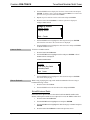
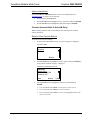
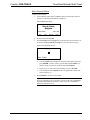
TunerRack Modular Multi-Tuner 3. Crestron CEN-TRACK If an ATC-AUDIONET is not installed, skip to step 4. If an ATC-AUDIONET is installed, turn the TUNE knob to highlight the device to configure, press ENTER, and continue to step 4. 4. Set the IP Address Turn the TUNE knob to highlight the parameter to be adjusted or viewed and press ENTER. The CEN-TRACK and ATC-AUDIONET use TCP/IP communications for communications between a control system and a PC. The IP address can be manually set or obtained from a DHCP server. For information on enabling DHCP to obtain an IP address, refer to “Enable/Disable DHCP” on page 23. To manually set an IP address: 1. Display the network settings menu as described on page 21. 2. Turn the TUNE knob to highlight IP Address and press ENTER. If DHCP is enabled, the IP address is displayed. Otherwise, the “Edit IP Address” screen is displayed. “Edit IP Address” Screen Edit IP Address Use Softbutton to select. Then use Knob to edit. Press ENTER to accept. [000] Set the Subnet Mask 000. 000. 000 3. Turn the TUNE knob to set the first octet of the IP address. 4. Press the button under the next octet (or press ENTER to move to the next octet) to select it for editing. 5. Repeat steps 3 and 4 for each octet. 6. To save the IP address, move the cursor to the right-most octet and press ENTER. To cancel the operation and return to the network settings menu, press MENU. The subnet mask can be manually set or obtained from a DHCP server. For information on enabling DHCP to obtain a subnet mask, refer to “Enable/Disable DHCP” on page 23. To manually set the subnet mask: 1. Display the network settings menu as described on page 21. 2. Turn the TUNE knob to highlight Subnet Mask and press ENTER. If DHCP is enabled, the subnet mask is displayed. Otherwise, the “Edit Subnet Mask” screen is displayed. “Edit Subnet Mask” Screen Edit Subnet Mask Use Softbutton to select. Then use Knob to edit. Press ENTER to accept. [000] 3. 000. 000. 000 Turn the TUNE knob to set the first octet of the subnet mask. 22 TunerRack Modular Multi-Tuner: CEN-TRACK Operations Guide – DOC. 6646C