1
Crestron Programming Design Kit
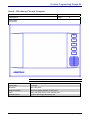
Image
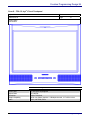
Example Styles
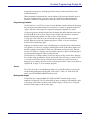
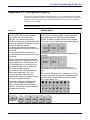
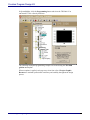
An image object enables you to add a
decorative image to a page.
The image object can be any size and contain BMP,
PCX, DIB, or a JPEG image.
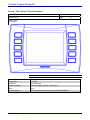
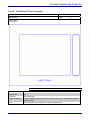
Legends
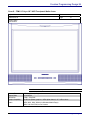
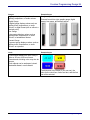
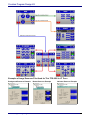
A legend is similar to a button in that it
has two states. However, it cannot
trigger a control system action; rather, it
is typically used to control the display of
text via its digital feedback signal.
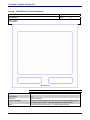
Animation
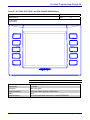
Example Styles
Color, frame thickness, style, text, font and font color
are all selectable. Legends may also be displayed as
a round, elliptical, Ob-round, or radius selected object.
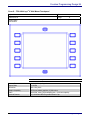
Example Styles
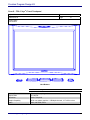
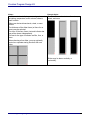
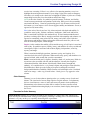
Example of four animation frames, they can be BMP,
An animation object creates the illusion
DIB, JPG or PCX format.
of movement on the page, by using a
succession of static images that are
displayed at a set speed. You can
specify the translucency of an animation
object from 0% (opague) to 100%
(completely transparent). If the
resolution of any image is higher than 16
Images can be played forward or forward and
bits (65536 colors), VisionTools Pro-e
backward. The associated logic permits the animation
will automatically convert it to 16 bits
to run with many options. For example, only when a
when uploading. The resolution of every
certain button is pressed.
frame in the animation sequence will be
converted to the highest resolution of
any frame in the sequence.
NOTE: There is no specific rule about how many animations or how large an animation can be for
a page. However, too many animations or large animations can degrade performance. A good
rule to keep in mind is to limit the animation size to one quarter of the total screen size.
54 ● DOC. 5277E
Crestron Program Design Kit