1
LAN User Manual
4.
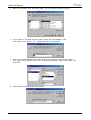
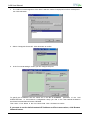
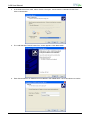
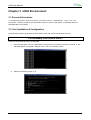
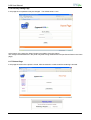
If the printer is not listed and the printer comes with the installation disk. Click Have Disk
button. The “Install From Disk” screen appears:
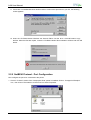
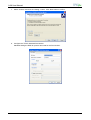
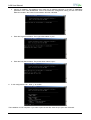
5. Insert the CD-ROM labeled Documetation & Driver into the drive. Click Browse button.
The “Open” screen appears. Go to the \drivers\microsoft\win98 folders and select the total.inf
file.
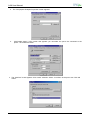
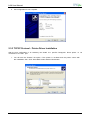
6. Click OK button. The following screen appears:
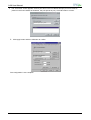
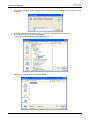
7. Click OK button. Select “Compuprint SP40plus” printer.
MAN10244-01
16