1
LAN User Manual
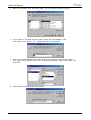
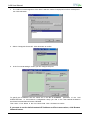
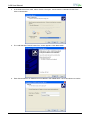
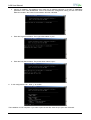
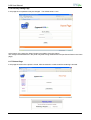
7. Click Next button. The “Print Test Page” screen appears. If you want to see the final printer setting
configuration, click “Yes”.
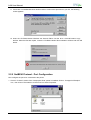
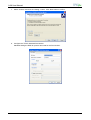
8. Skip the mask to advise the non-digital signature of the driver and wait for the files to be correctly
loaded.
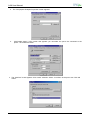
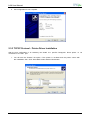
9. Click Finish button to end the printer installation procedure.
MAN10244-01
27