1
Administrator’s Guide for the Polycom RealPresence Group Series
If you have a RealPresence Group 700 system, you can also recharge the
battery using the USB port on the front of the system.
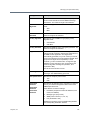
Positioning the System
Polycom RealPresence Group products are versatile enough to accommodate
being set up in a variety of ways. This section describes placement for your
RealPresence Group system, Touch Control, EagleEyeTM Acoustic camera, and
EagleEye Director automatic camera positioning system.
Positioning Polycom RealPresence Group Systems
RealPresence Group systems are designed to be placed on a tabletop or in an
equipment rack.
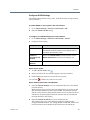
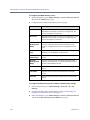
To position the system:
1
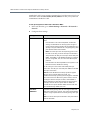
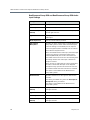
Do one of the following:
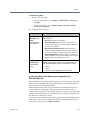
— If you plan to place the system on a table or shelf, attach the
self-adhesive feet to the bottom of the system.
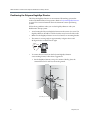
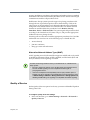
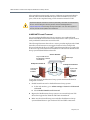
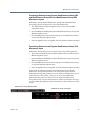
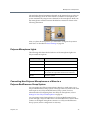
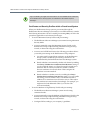
— If you plan to mount a RealPresence Group 700 system in an
equipment rack, install the mounting brackets, as shown in the
following figure.
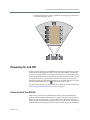
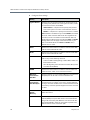
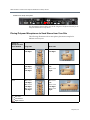
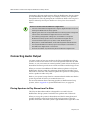
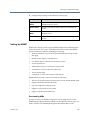
— If you plan to mount a RealPresence Group 550 system in an
equipment rack, install the mounting brackets, as shown in the
following figure.
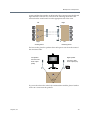
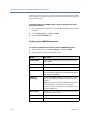
Polycom RealPresence Group 300 and RealPresence Group 500 systems use a
different type of mounting bracket. For more information, refer to
support.polycom.com or contact your Polycom distributor.
4
Polycom, Inc.