1
Administrator’s Guide for the Polycom RealPresence Group Series
2
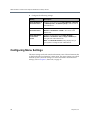
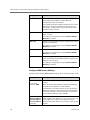
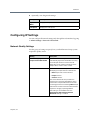
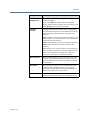
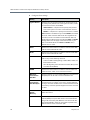
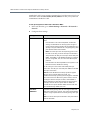
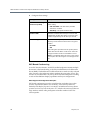
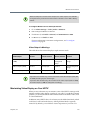
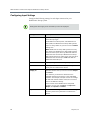
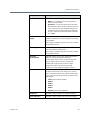
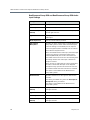
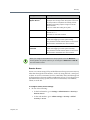
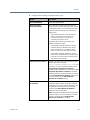
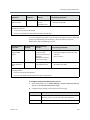
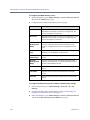
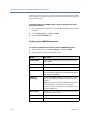
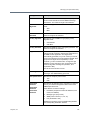
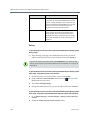
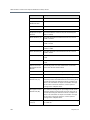
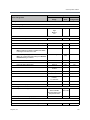
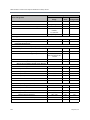
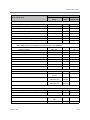
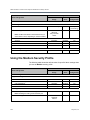
Configure the following settings.
Setting
Description
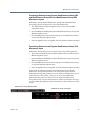
Show IP address on
the home screen
Displays the IP address from Admin Settings > Network
> LAN Properties > IP Address (IPv4) on the left side of
the address bar.
Show Extension on
the home screen
Displays the H.323 Extension from Admin Settings >
Network > IP Network > H.323 in the center of the
address bar.
Show SIP address
on the home
screen
Displays the SIP address from Admin Settings >
Network > IP Network > SIP (the Sign-in Address) on
the right side of the address bar.
Note: The Show SIP address setting displays only if
your system is configured with a SIP address.
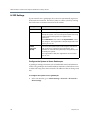
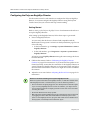
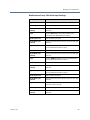
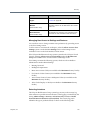
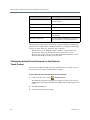
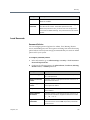
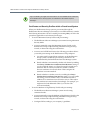
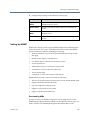
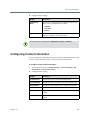
Configuring Menu Settings
The menu settings in the web interface determine some of the information that
is displayed in the local interface’s main menu. The menu settings are pulled
from the system’s network settings. For more information about network
settings, refer to Chapter 2, Networks, on page 23.
20
Polycom, Inc.