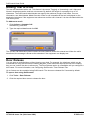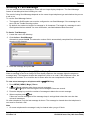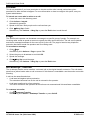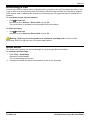
1
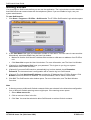
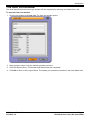
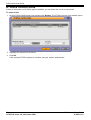
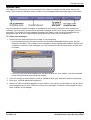
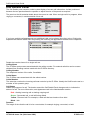
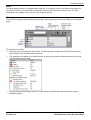
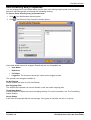
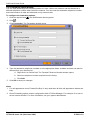
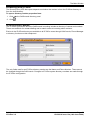
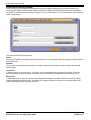
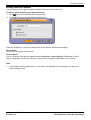
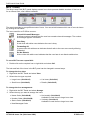
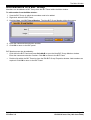
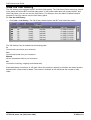
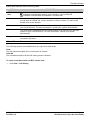
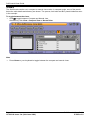
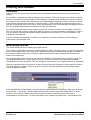
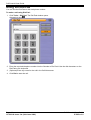
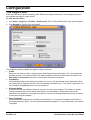
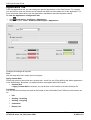
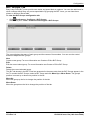
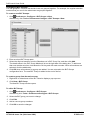
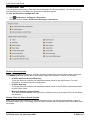
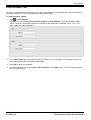
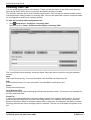
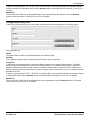
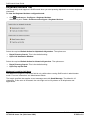
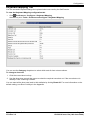
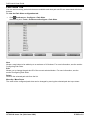
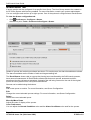
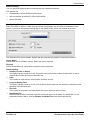
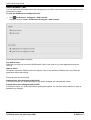
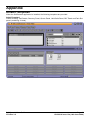
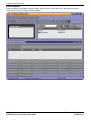
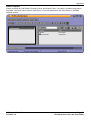
Configuration BLF Groups Tab Busy Lamp Field (BLF) icons provide user status and speed dials at a glance. You can also add icons for other numbers though they only act as speed dials. By grouping the BLF icons, you can have them shown on different named tabs. To view the BLF Groups configuration tab: Click Preferences - Configure > BLF Groups. Alternatively click Tools > Preferences-Configure > BLF Groups. The menu displays the name of each group and the names of its members. You can use the control buttons to adjust the BLF groups. New Create a new group. For more information see Create or Edit a BLF Group. Edit Edit the current select group. For more information see Create or Edit a BLF Group. Delete Delete the current selected group. The BLF tab sheets in the BLF Panel are presented in the same order that the BLF Groups appear in the list. To reorder the BLF Groups, select a BLF Group and click Move Up or Move Down. The group's position is moved up or down one position in the list. Move Up Move the group up the list to change the position of the tab. Move Down Move the group down the list to change the position of the tab. SoftConsole User Guide IP Office 3.2 Page 47 15-601016 Issue 12a (14th June 2006)