1
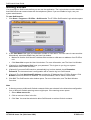
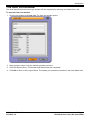
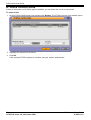
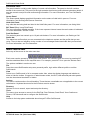
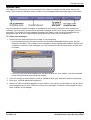
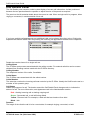
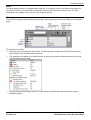
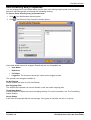
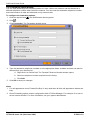
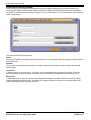
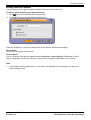
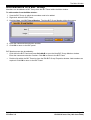
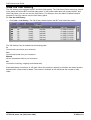
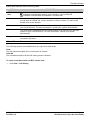
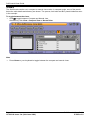
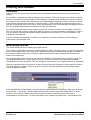
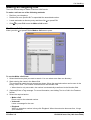
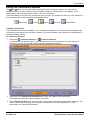
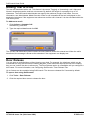
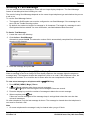
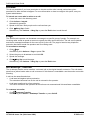
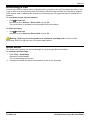
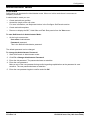
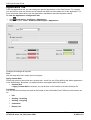
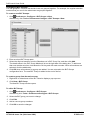
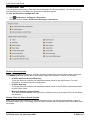
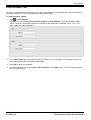
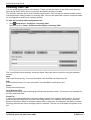
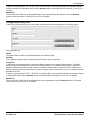
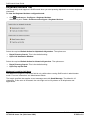
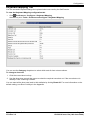
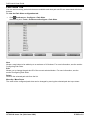
SoftConsole User Guide Queue Mode Tab A queue monitor can be configured for a specific Hunt Group. The Hunt Group needs to be created on the IP Office System with Queuing enabled. For more information, consult your system administrator. You can configure and monitor up to eight queues. One of the queues is configured as a Recall Queue. To view the Queue configuration tab: Click Preferences - Configure > Queue. Alternatively click Tools > Preferences-Configure > Queue. Details of queues the are being monitored are shown. For each queue, the alarm thresholds are shown. The alarm thresholds are the number of calls and longest waiting call. The Recall Queue shows calls to a group that, having been transferred by the SoftConsole operator, have returned unanswered. A Recall Queue shows calls that were queued, answered and then transferred, but the call was not answered. Instead of the call being returned to the end of the original queue the call is placed into a new queue called Recall. Queues can be edited using the buttons: New Add a new queue to monitor. For more information, see Queue Configuration. Edit Change the current selected queues settings. For more information, see Queue Configuration. Delete Delete the current selected queue. Move Up/Move Down Adjust the order of display of the queues. Color Preferences You can adjust the Normal Conditions color and the Alarm Conditions color used for the queues. Page 58 15-601016 Issue 12a (14th June 2006) SoftConsole User Guide IP Office 3.2