1
ECM-945GSE
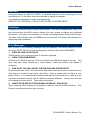
4.1 Install Chipset Driver (For Intel 945GSE)
Insert the Supporting DVD-ROM to
DVD-ROM drive, and it should show the
index page of Avalue’s products
automatically. If not, locate Index.htm and
choose the product from the menu left, or
link to \Driver_Chipset\Intel\ 945GSE.
Note: The installation procedures and
screen shots in this section are
based on Windows XP operation
system. If the warning message
appears while the installation
process, click Continue to go on.
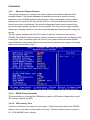
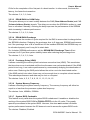
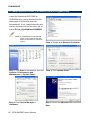
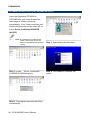
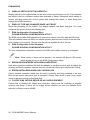
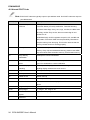
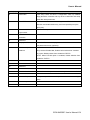
Step 3. Click Next.
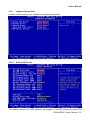
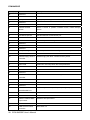
Step1. Locate 「\Driver_Chipset\Intel\
945GM\ \infinst_autol.exe」.
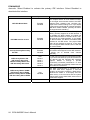
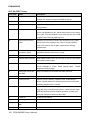
Step 4. Click Finish to complete setup.
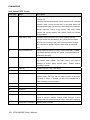
Step 2. Click Next.
80 ECM-945GSE User’s Manual