1
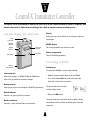
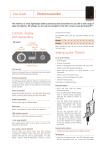
HX2040 Hand-Held Transmitter
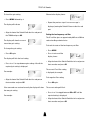
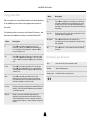
Otherwise the display will show:
The display
Error
will show:
dISABLE
TxRx
TxRx
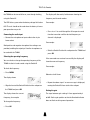
• Align the front of the SwitchiR with the infra-red port on
• Repeat the previous steps if an error message is
displayed, moving the SwitchiR closer to the infra-red
the transmitter and press OK.
port.
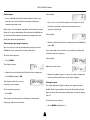
If the command was received
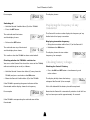
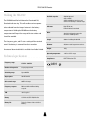
Checking the battery status
successfully the display will show:
• Press MENU.
Tx
Ir OFF
Note: Once the infra-red port has been disabled, any
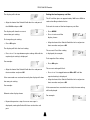
• Press a three times until
the display shows:
Ir ?
TxRx
subsequent interrogation of the transmitter will give an Error
BAtt
display; this is not a fault.
• Align the front of the SwitchiR with the infra-red port on
Fitting
the microphone capsule
. . . . . . . . . . . . . . . . . . . . .
the transmitter and press OK.
The display will show the
current battery status:
Tx
. .
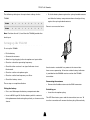
The HX2040 transmitter uses high quality interchangeable
1.25v
condensor capsules from the Schoeps™ Colette range. The
HX2040 is compatible with the full range of capsules and
The battery level can also be checked from the receiver; see
accessories in this range.
the appropriate instructions for the receiver.
The capsule mounting has a unique gel-based suspension to
Infra-red
disable
. . . . . . . . . . .
minimise handling noise.
. . . . . . . . . . . . .
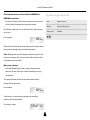
You can protect the HX2040 from an accidental change
To fit a capsule
of settings, such as in a live performance, by disabling
• Unscrew the metal windscreen from the top of the
the infra-red port on the transmitter. This will prevent
transmitter.
• Screw the capsule into place taking care not to cross-
all communication to the transmitter until the battery is
thread the capsule or over-tighten it.
disconnected and reconnected.
• Replace the windscreen.
Disabling the infra-red port
• Press MENU.
• Press v twice.
17
88