1
APBX IP02 User Manual
For example:
Both City A and B have a APBX, APBX-A and APBX-B, they are connected with SIP trunk, and APBX-A has FXO
trunk to connect local PSTN and outbound route for that, DISA can be used as below:
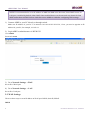
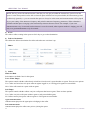
1. Create a DISA in APBX-A including the FXO trunk.
2. Set it as the destination of inbound route for SIP trunk.
After users of APBX-B dial into DISA application in APBX-A, The DISA application in turn requires the user to
enter his passcode, followed by the pound sign (#). If the passcode is correct, the user will hear dialtone on which a
outbound call may be placed, so there is no long distance call fees.
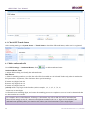
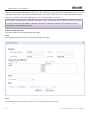
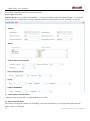
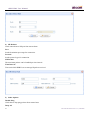
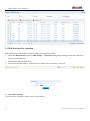
6.6 Blacklist
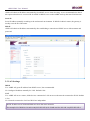
Block incoming calls from specified numbers
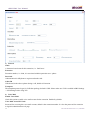
If a number in blacklist dial into APBX, caller will hear following prompt: “Then number you have dialed is not in
service. Please check the number and try again.” Then system will then disconnect the call.
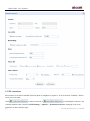
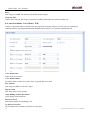
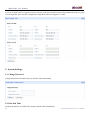
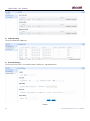
6.7 SIP Settings
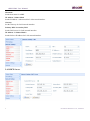
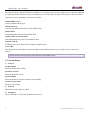
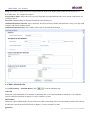
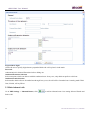
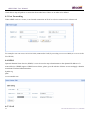
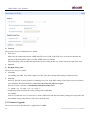
1) General
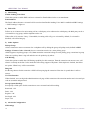
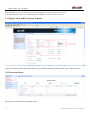
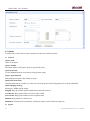
UDP Port
Set the SIP port (UDP) which APBX is listening to.
Enable TCP
Enable TCP protocol for SIP.
TCP Port
Set the SIP port (TCP) which APBX is listening to.
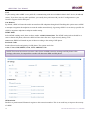
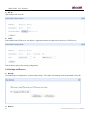
Registration / Subscription Time Max
Maximum duration in seconds of a SIP registration / subscription.
Registration / Subscription Time Min
Minimum duration in seconds of a SIP registration / subscription.
36
ATCOM TECHNOLOGY CO., LIMITED