1
Page: 48
Service Guide OKIPAGE16n
Chapter 3 Parts Replacement
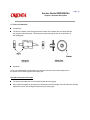
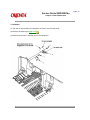
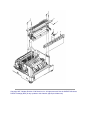
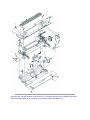
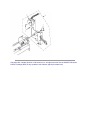
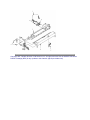
3.3.23 EP lock shaft
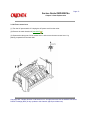
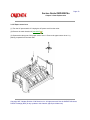
(1) Turn the AC power switch off. Unplug the AC power cord from the outlet.
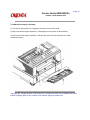
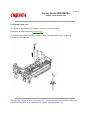
(2) Remove the main chassis unit (see 3.3.17
).
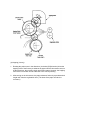
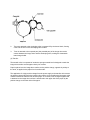
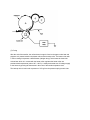
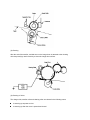
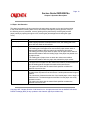
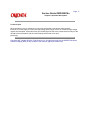
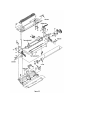
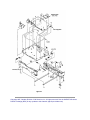
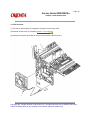
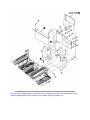
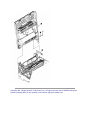
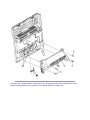
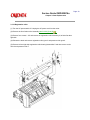
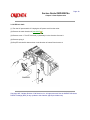
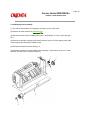
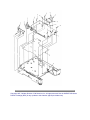
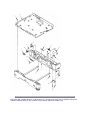
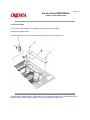
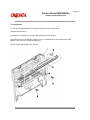
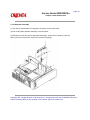
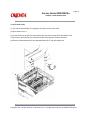
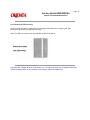
(3) Remove screw 1. Turn EP lock level (L) Assembly 2 in the direction of arrow A .
(4) Remove spring 3.
(5) Drop EP lock shaft 4 down and turn in the direction of arrows B and remove it.
Copyright 1997, Okidata, Division of OKI America, Inc. All rights reserved. See the OKIDATA Business
Partner Exchange (BPX) for any updates to this material. (http://bpx.okidata.com)